AI Voice Cloning
Record or upload your own singing, and AI voice cloning trains a private voice model that sings the songs you bring to the Studio. It clones how you sing; it does not read typed words aloud.
Training and each cover use credits. The Studio shows the amount before you start, and a failed job hands them back.
AI voice cloning for a singing voice, not a speaking one
What it is. A voice model trained on your own sung recordings. Once it is Ready, you pick it in the Cover pane and it replaces the singer on a song you upload or choose from your library.
What it is not. A narrator or speech voice. There is no text box: the model cannot read a script, voice a video or answer calls. It also cannot sing without a song to sing over.
AI voice cloning, step by step
These screens come from the Studio as it is today, captured up to the point where training would start.
1.Record or upload your takes
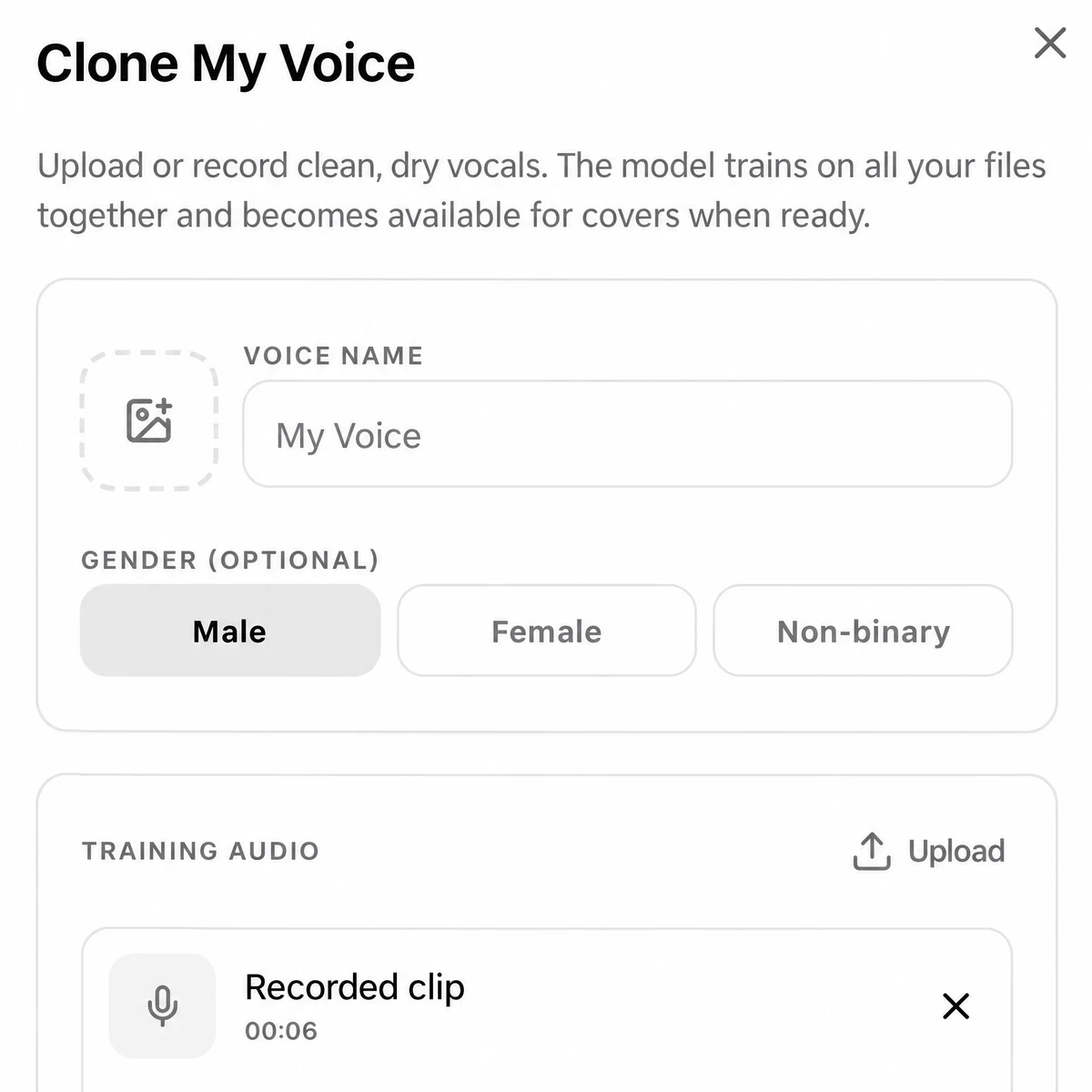
Pick Record my voice or Upload vocal recordings above and sign in. The Clone My Voice dialog opens: name the voice, then add clips. Recordings and files can be mixed in one set, and each clip shows its length.
2.Choose a tier and check the estimate
Pick Basic, Standard, High-Fidelity or Premium. The panel lists what that tier needs and the estimate for your audio before anything is charged. Then press Start Training.
3.Wait for Ready, then cover a song
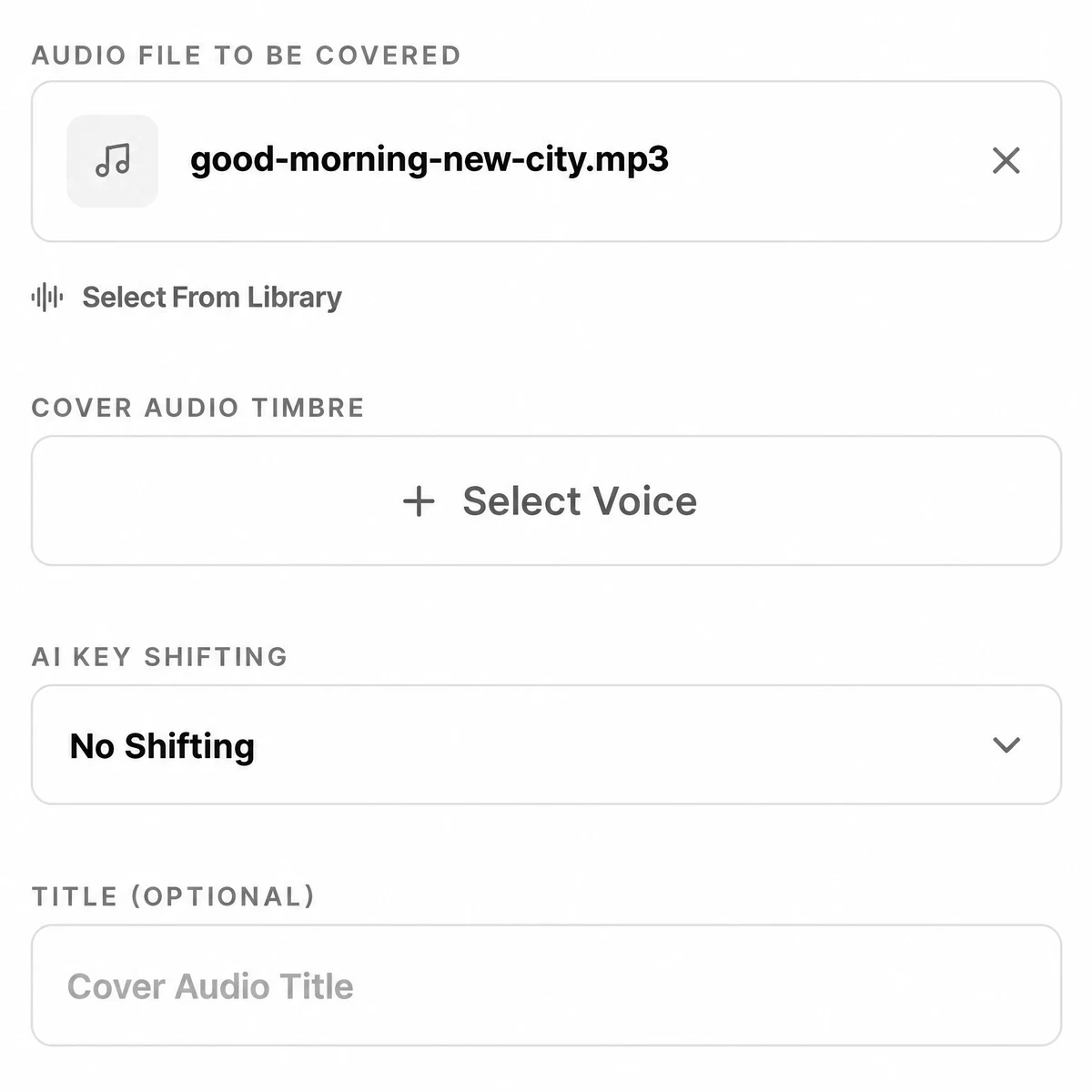
Training runs in the background; the voice sits under My Voices as Training until it turns Ready. In the Cover pane, add a song, click Select Voice, pick yours, leave AI Key Shifting at No Shifting or move it an octave, and press Cover.
What to record for a clean AI voice clone
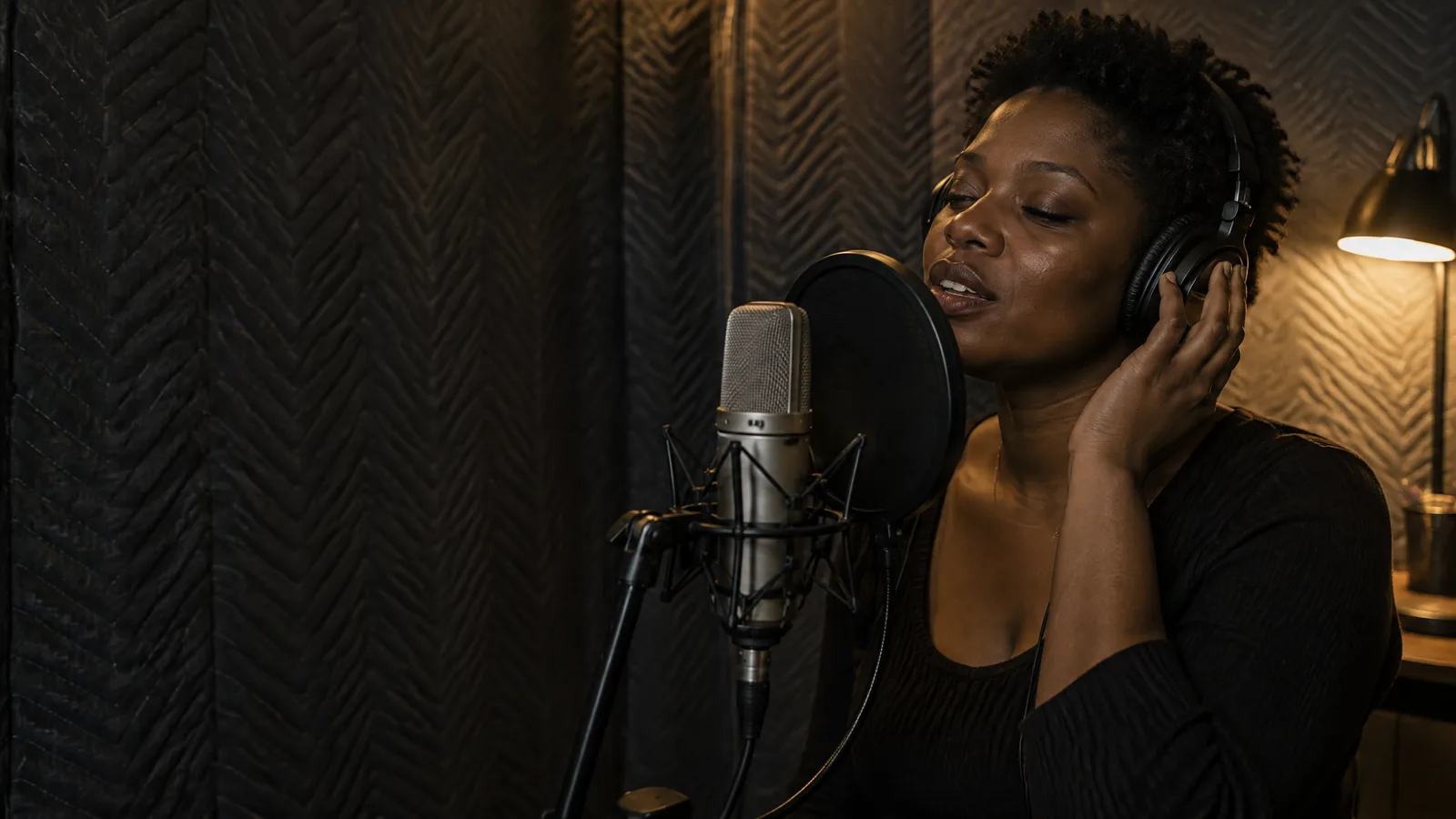
The model learns whatever is in the clips, room sound and backing music included. These are the dialog's own rules.
| What to sing | Your voice alone and bone dry. Backing tracks, room echo, stacked harmonies and double tracking all end up in the model. |
|---|---|
| How to sing | Keep to one mic setup and one way of singing. Visit the bottom and the top of your range, and sing plenty of different words. |
| File type | Lossless WAV or FLAC works best; MP3, AAC, OGG and M4A are taken too. Avoid heavy auto-tune. |
| How much | Several clips add up to one set. A running total shows how close you are to the required range. |
| Leftover music | A vocal isolation pass cleans each file before training at no extra charge. Turn on My files are already clean vocals to skip it for true acapellas. |
| Tiers | Basic, Standard, High-Fidelity, Premium. The last two need an annual plan. |
| Result | A private voice under My Voices, marked Training, Ready or Failed. |
Only have takes buried in a mix? Pull the voice out first, then upload it. Takes with hum or hiss behind them can go through the background noise remover before they reach the dialog.
Put your voice on a song
A Ready voice works on any song you can upload or already have in your library.
- You wrote a song but a friend sang the demoCover with My VoicesUpload the demo, pick your voice, and the vocal comes back sung by your model.
- You want your voice on a song made on SongDuetSelect From LibraryChoose the song in the Cover pane instead of uploading, then pick your voice.
- The tune lives an octave away from your rangeAI Key ShiftingDrop or raise just the AI vocal by a full octave; the backing is untouched.
- You want the cover in a whole new style tooRestyle firstMake a style cover of the song, then put your voice on that version.
No trained voice yet? The AI cover maker can also swap in a voice from the public list. For the restyle step, an AI remix remakes the song in a new genre from a short prompt, and the result lands in your library ready for your voice.
Whose voice you may clone
Your own. Our Terms of Service say you must have the rights to everything you upload, and they forbid imitating a real singer, or presenting a result as a real artist's performance, without that person's permission. Recording a friend is fine when they agree to it.
What you upload stays yours. We do not use your uploads or your results to train AI models, and a trained voice is visible only in your account, with no switch to make it public.
A cover of another writer's song still belongs, in part, to that writer. Sort that out before anything goes on a streaming service.
What AI voice cloning here will not do
- No speech. It will not read text, narrate or talk. The voice only sings over an existing song.
- No famous voices. There is no list of artists to sound like. You train on your own recordings.
- No links. Training takes recordings and files, not YouTube or TikTok links.
- Not instant. Training is a background job, and a short clip is not enough to start one.
- No model download. The voice model stays in your account; covers download as MP3.
- Little editing. An octave up or down is the only adjustment. Tuning, timing and mixing happen elsewhere.
Voice cloning questions
Is AI voice cloning free here?
No. Training a voice and every cover made with it use credits. The dialog shows the estimate for your tier and audio length before you press Start Training, and a job that fails gives the credits back.
How much singing do I need?
More than a short clip. The dialog adds up your recordings and files and shows the total against the range it needs; Start Training waits until you are inside it. Longer is not always better, so aim for varied, clean takes rather than hours of the same song.
Can I clone a famous singer?
No. You train on recordings you supply, and the Terms of Service forbid imitating a real singer, or passing a result off as a real artist, without that person's permission.
Can the cloned voice read text or narrate a video?
No. The voice only sings over a song you give it in the Cover pane. It has no text box and makes no speech.
Who can hear or use my voice?
Only your account. A trained voice is listed under My Voices, and the Studio has no switch to publish it. We do not use your uploads or your results to train AI models.
Can I download the voice model?
No. The model stays in your SongDuet account. What you download are the covers you make with it, as MP3.
How long does training take?
It runs in the background and the voice shows Training until it is Ready. The requirements panel quotes an estimate for each tier; it depends on the tier and how much audio you add.
What are the four tiers?
Basic, Standard, High-Fidelity and Premium. Higher tiers train longer and cost more. High-Fidelity and Premium need an annual plan.