Stem Splitter
Drop in a mixed song and get seven stems back, or eighteen tracks on Pro with every drum piece and the backing vocals on their own. Each one is an MP3 ready for your DAW.
Stem splitter output: seven stems, or eighteen
Most splitters stop at vocals, drums, bass and other. Pro keeps going, so the strings or the snare you are after get a track of their own.
- Advanced: seven stems: vocals, instrumental, drums, bass, guitar, piano, other
- Pro, vocals: full vocals, lead, backing
- Pro, instrumental: plain, and with backing vocals
- Pro, drums: the whole kit, then kick, snare, toms, hi-hat, ride and crash apart
- Pro, instruments: bass, guitar, piano, strings, wind, plus an other track
One Pro run returns all eighteen tracks listed above. When Pro is available, it appears next to Advanced. Synth leads, pads and arps have no stem of their own and land in other, and trumpet and sax share the wind track.
Only after the voice and the backing? The vocal remover stops at those two tracks.
- Vocals
- Lead vocal
- Backing vocals
- Instrumental
- Instr. + backing
- Drums
- Kick
- Snare
- Toms
- Hi-hat
- Ride
- Crash
- Bass
- Guitar
- Piano
- Strings
- Wind
- Other
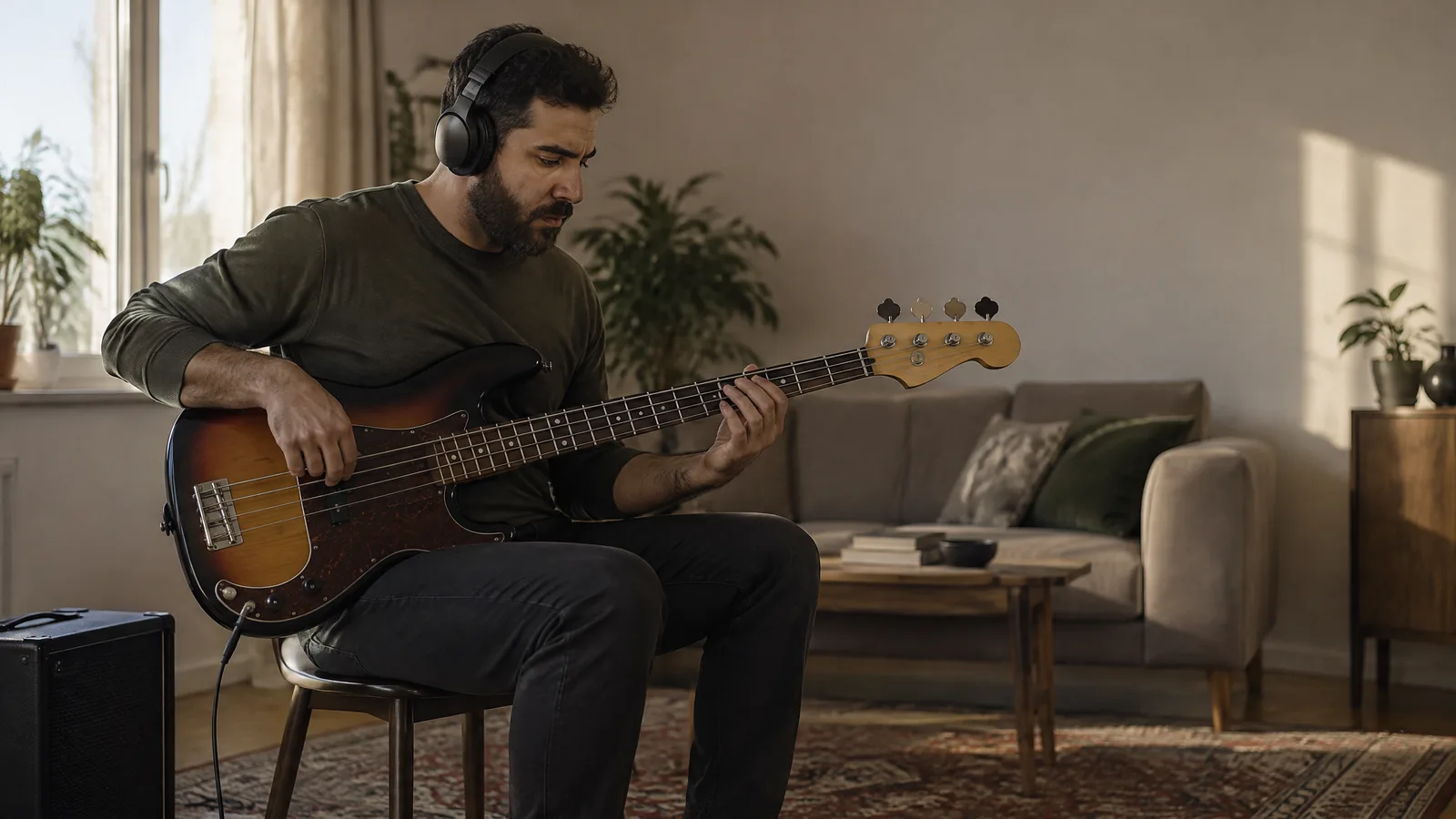
Stem separation you can hear before your DAW

Listen first, keep only what you need
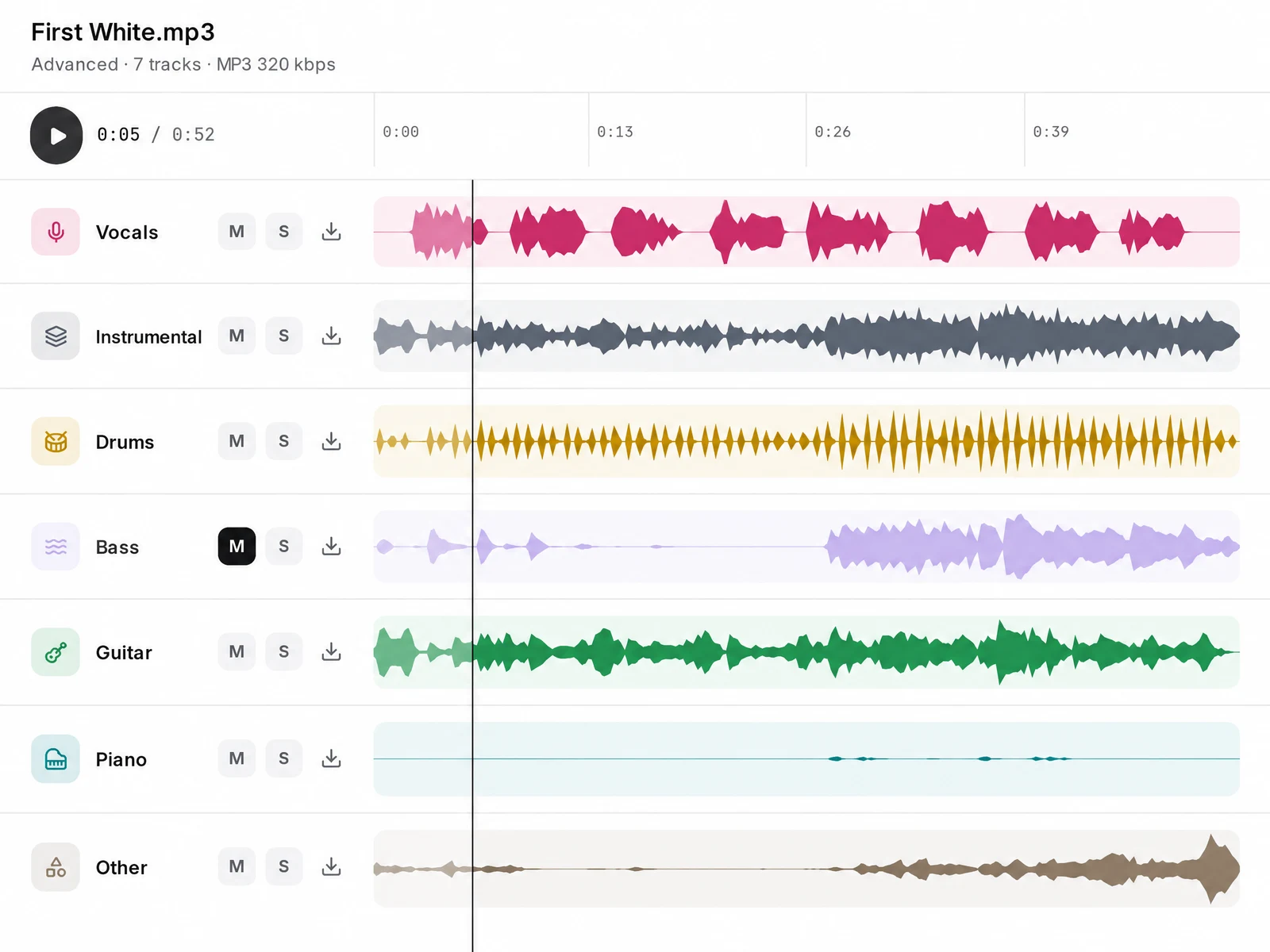
When the split is done, the song opens in the Studio multitrack player. Solo the guitar to hear whether any keys crept in, or mute the bass and play the part yourself over the rest. For a backing track, download only the stems you need.
This is AI separation, not the original multitrack, so instruments that sound alike can still bleed into each other, most of all in busy mixes. The Studio does not edit or EQ stems; any cleanup happens in your DAW. If a vocal stem still carries hiss or room echo from the original recording, a background noise remover pass can take it out.
Each stem downloads as an MP3 at 320 kbps and drops straight onto an audio track. Want to see how a part was played? Send the stem to the Notation stage for MIDI and sheet music, one instrument per run, or drop the file on the audio to MIDI converter and get an editable .mid back.
Rebuilt the song from its stems? When the new mix is done, you can master the mix online before you release it.
How to use the stem splitter in six steps
1.Drop your song
Use the box at the top of this page. It takes MP3, WAV, FLAC, M4A, AAC or OGG files up to 100MB, one song per run.
2.Sign in
The Studio opens on the Stems tab with your file attached and asks you to sign in. You can also pick a song you already keep in your library.
3.Choose Advanced or Pro
The Split Stems button shows the credit cost before anything runs. Every new account comes with welcome credits, and if a run fails, the credits go back to you.
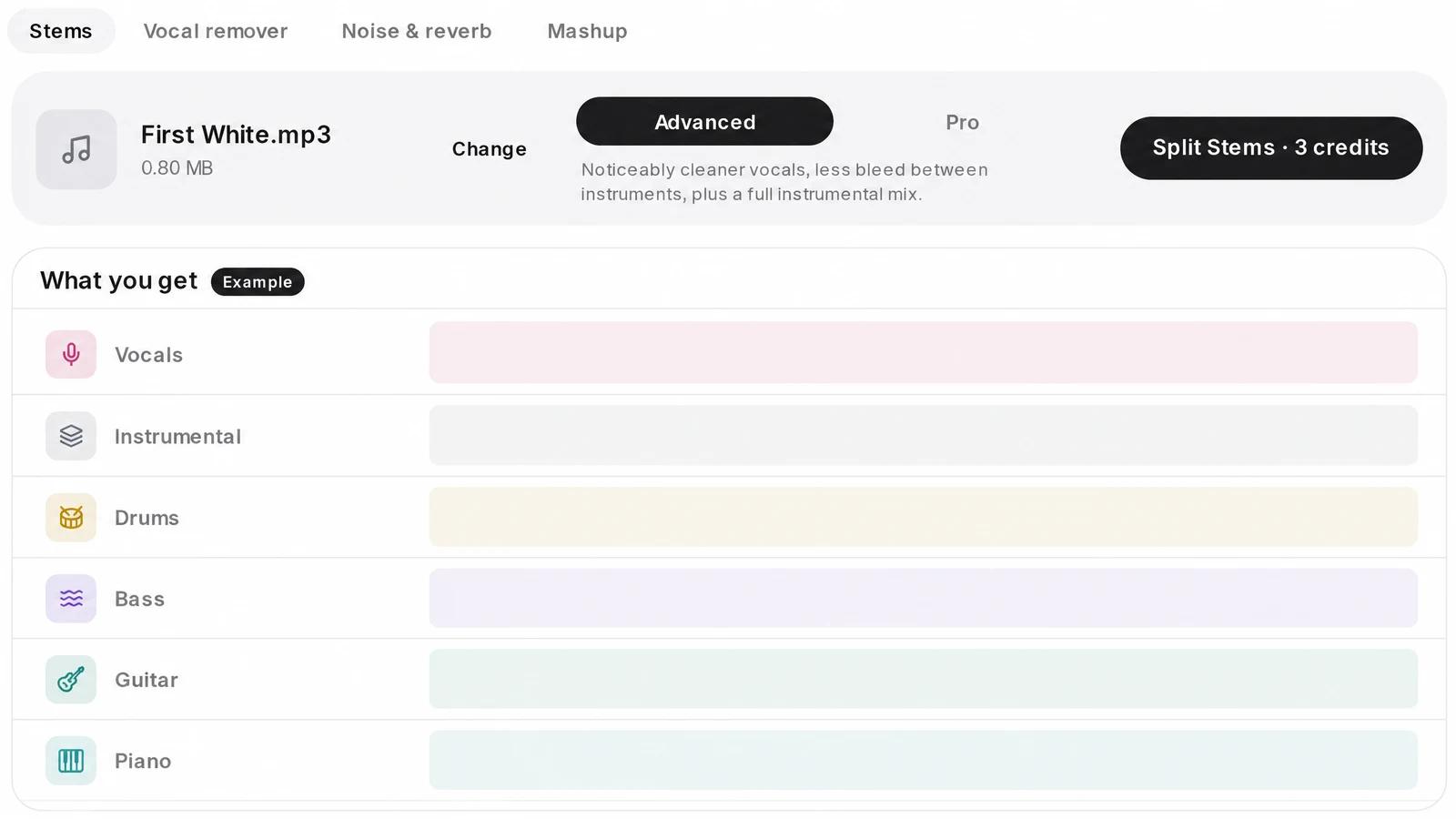
4.Listen in the multitrack player
Every stem gets its own lane with mute, solo and download, and they all play together, so you can check each part.
5.Download the MP3s
Each stem downloads on its own at 320 kbps, and the whole split stays in your library.
6.Send a stem onward
Open a stem in the Notation stage for MIDI and sheet music, one instrument per run.
Stem splitter questions
What exactly comes out of a stem splitter?
It takes a finished, mixed song and pulls it apart into separate audio files, one per instrument or voice. You can then loop, sample, mute or remix each part without the original session.
When is the vocal remover enough?
The vocal remover stops at two tracks: vocals and everything else. Use the stem splitter when the backing itself has to come apart into drums, bass, keys and the rest.
Do I need to pay to split stems?
Each split costs credits, charged per song rather than per minute, and Pro costs more than Advanced. A new account opens with welcome credits. If a run fails, its credits come back automatically.
Is the audio processed on my own machine?
No. The file is uploaded and separated on our servers, so your laptop stays free for your DAW. Most songs take a few minutes and Pro takes longer, with no fixed finishing time.
Can I paste a YouTube or Spotify link?
No. Upload the audio file itself, or pick a song from your SongDuet library. Links from YouTube, TikTok, Spotify and other streaming sites are not accepted.
Are WAV or FLAC stems available?
Not today. Every stem is an MP3 at 320 kbps. There is no download-all button or ZIP yet, and file names do not carry BPM or key.
Does it work on live recordings?
You can try, but we make no promise. Crowd recordings and rough live mixes give any separator little to work with, so parts often stay tangled. Studio mixes split far more cleanly.
Can I split a song I made on SongDuet?
Yes. Pick it from your library on the Split tab. Songs generated here can also use AI Mode, which builds up to twelve stems from the song's own generation data. Uploads cannot use AI Mode.