BPM Finder
Give it an audio file and it tells you the beats per minute, worked out in your own browser. Free, no sign up, and the file never leaves your device.
Your file is analyzed right here in your browser, nothing is uploaded to a server.
How to use the BPM finder in four steps
The order you see on the page, from the empty box to a number you can use.
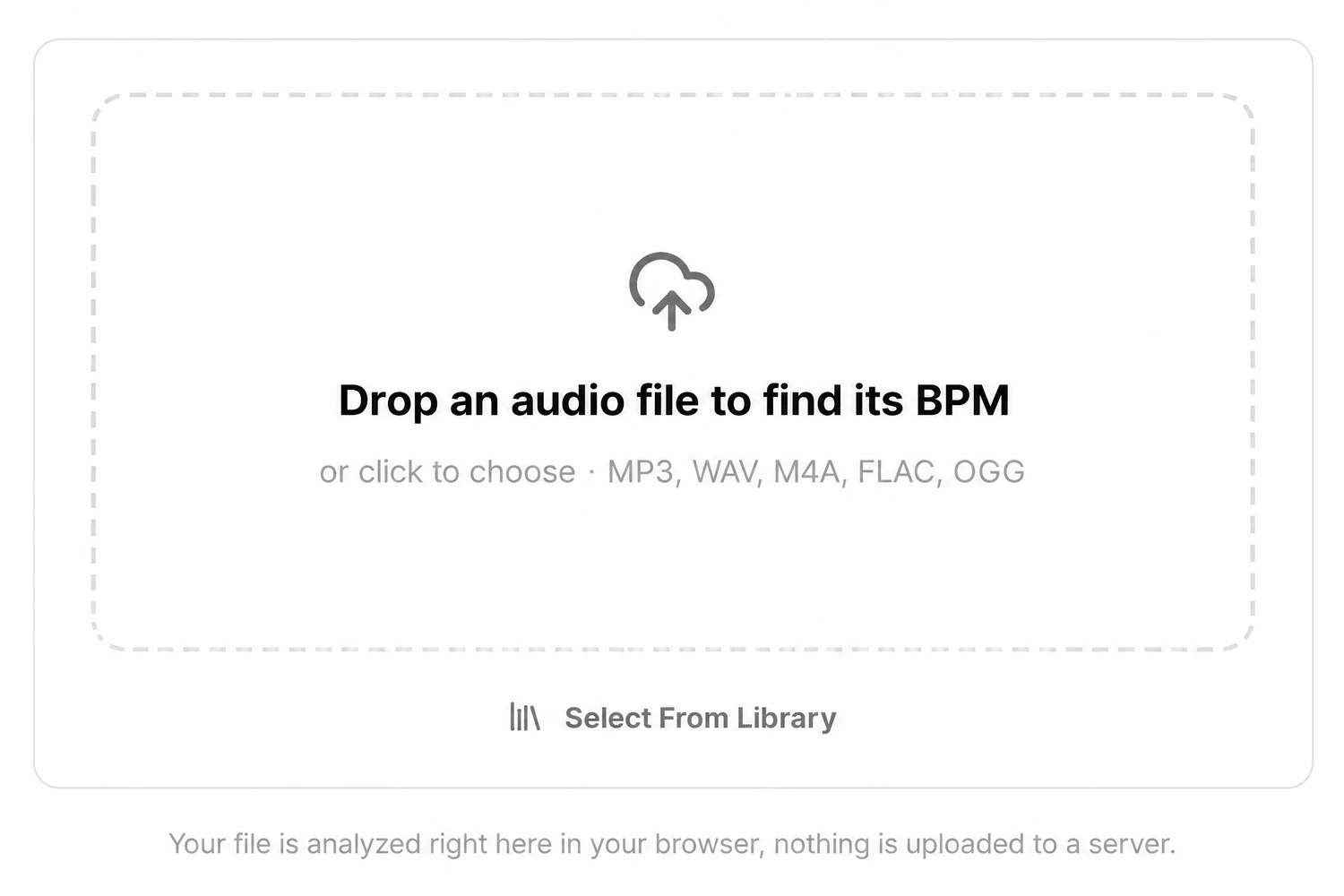
1.Drop the audio file on the box
Drag an MP3, WAV, M4A, FLAC or OGG file onto the box, or click it to choose one. The box reads Detecting BPM while your browser decodes the file and listens for the beat. There is no upload bar, because the file never leaves your device.
2.Read the tempo
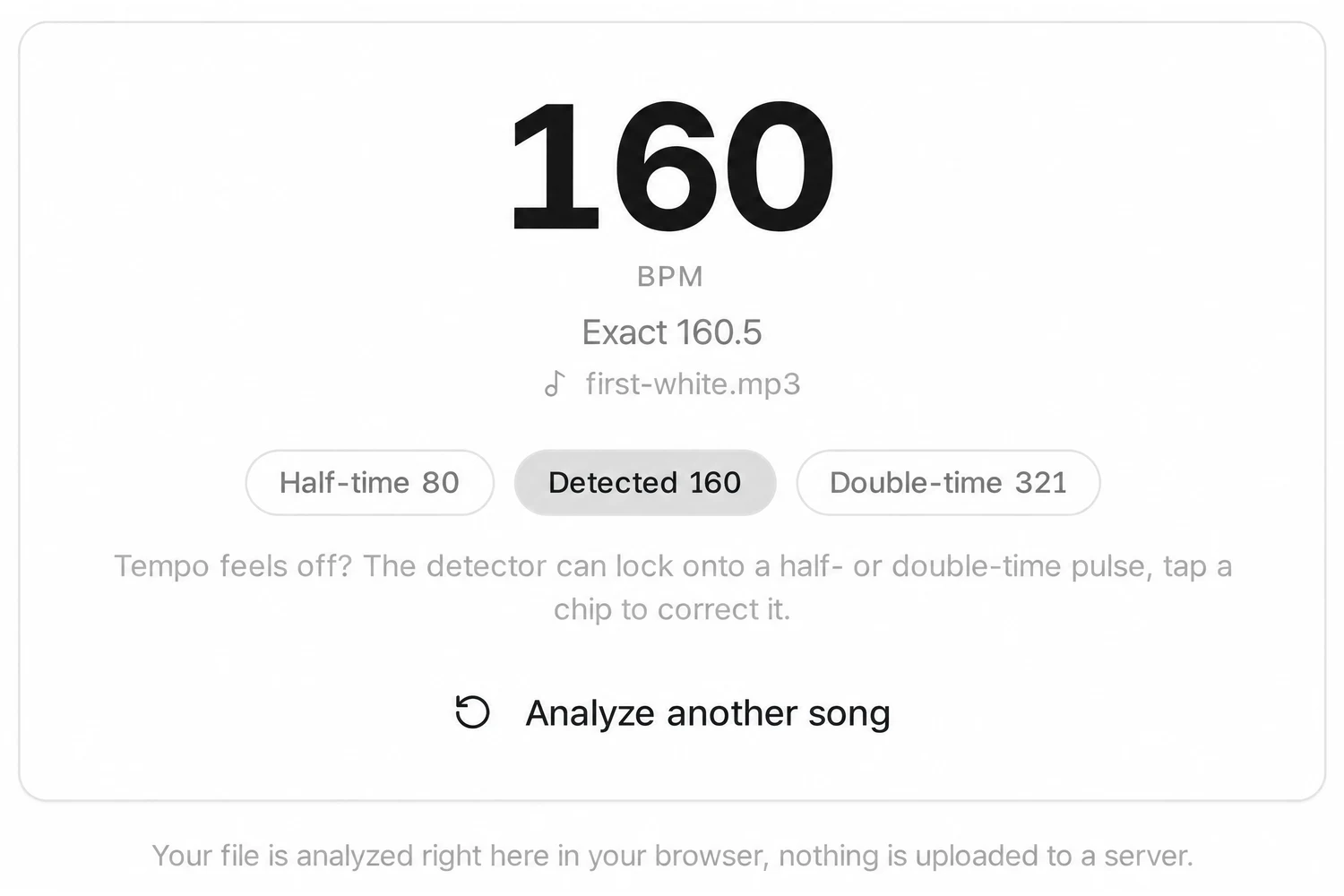
The big number is the tempo rounded to a whole BPM. Under it, Exact gives the same reading with one decimal, for example 127.9, which helps when you set a DAW project or a DJ deck to match.
3.Check it against the feel of the song
Three chips sit under the result: Half-time, Detected and Double-time, each with its own BPM. If the number feels twice too fast or too slow when you nod along, tap the chip that matches and the main reading switches to it.
4.Try the next track
Analyze another song clears the result and gives you the empty box again. If you are signed in to SongDuet, Select From Library under the box reads the tempo of a song you made here, the same way.
Half time, double time and the song BPM you want
A detector hears the strongest pulse. Your ears decide which pulse is the beat.
A trap song at 140 BPM can be read as 70, because the snare lands on every other beat. A drum and bass track at 174 can be heard as 87. Neither reading is wrong, they count the same song at different levels.
- Half-time
- 70
- Detected
- 140
- Double-time
- 280

Nod along, then pick the chip
Nod along to the chorus and count four beats. If the Detected number feels twice as fast as your nod, tap Half-time. If it feels like half, tap Double-time. The big number follows your choice.
Mixing two tracks? Tempo is half the match. The song key finder reads the key and its Camelot code from the same file, with the BPM alongside.
Looking up a song by its title?
Many people who search for a BPM finder want the tempo of a well known song without having the file. This page is the other kind of tool.
What it is. A tempo detector for audio you already have: your own track, a demo, a sample, a stem, a song you bought as a file. Drop it in and you get a reading from the sound itself.
What it is not. A database of songs. There is no search by title or artist, and no YouTube or Spotify links. If you only know the name of the song, this page cannot help until you have the audio.
No file at hand? Our guide to finding a song’s tempo shows how to count it against a clock or tap along by ear. A stem works as well as a full mix: after you split a song into stems, drop one part here on its own.
What the BPM finder reads, and how
The facts you might want before you trust the number.
| What you give it | One audio file at a time: MP3, WAV, M4A, FLAC or OGG, or anything else your browser can decode |
|---|---|
| What you get | The tempo as a whole BPM, an Exact reading with one decimal, and half-time and double-time alternatives |
| Where it runs | In your browser, with the Web Audio API and a beat detector loaded on the page; the file is not uploaded |
| How long it takes | It works on your own device, so a longer file or an older phone takes a little longer |
| Cost and account | Free, no account needed; Select From Library is the only part that asks you to sign in |
| One tempo per file | A song that speeds up or changes tempo gets one overall reading, not a tempo map |
What this BPM finder does not do
- Song titles are not searchable. It cannot tell you the BPM of a song you do not have as a file. Type a title and nothing happens; drop the audio instead.
- No links. YouTube, Spotify and other web addresses are not accepted. The finder needs the audio file itself.
- No tap tempo here. There is no button to tap along. The reading comes from the file.
- Tempo only, not key. This page reads tempo only. The key finder reads the key and the BPM of a file together.
- No beat grid. You get a number, not markers for each beat or downbeat, and not a tempo map for songs that drift.
- Your audio stays untouched. The BPM finder reads tempo and leaves the audio as it is. Nothing is saved or exported.
BPM finder questions
Do I pay anything to read a tempo?
No. Dropping a file and reading its tempo costs nothing and needs no account. Everything happens inside this web page, and you install nothing.
Is my song uploaded anywhere?
No. Your browser decodes the file and the beat detector runs on your own device. The audio is not sent to a server.
Can I type a song name and get its tempo?
No. This page analyses audio you have, it does not search a database of songs. If you own the track as a file, drop it on the box and you get the tempo in a few moments.
Can I paste a YouTube link?
No, links are not accepted. The finder needs an audio file such as an MP3 or WAV.
Why does it say 70 when the song feels like 140?
Beat detectors sometimes lock onto every other beat, or onto twice the pulse. That is why the Half-time and Double-time chips are there: tap the one that matches how you would count the song and it becomes the main reading.
How exact is the number?
The big number is rounded to a whole BPM. Exact shows one decimal. The finder gives one tempo for the whole file, so songs played live without a click, or songs that change tempo, get an average feel rather than a bar by bar reading.
Which audio formats work?
The box names MP3, WAV, M4A, FLAC and OGG. In practice it reads whatever your browser can decode, so a format that one browser refuses may work in another.
Will it run in my phone browser?
Yes, it runs in mobile browsers too. Pick the file from your phone with the box; a long file takes a little longer on an older phone because the work happens on the device.