Online Guitar Tuner
Press Start tuning, allow the microphone and pluck one string. The online guitar tuner names the note and shows how many cents sharp or flat it is, so you know which way to turn the peg. Nothing to pay and no sign up.
Use the online guitar tuner, one string at a time
From the thickest string to the thinnest, in the order you tune them.
1.Press Start tuning
Your browser asks to use the microphone. Allow it. The big display shows a dash until it hears a note.
2.Pluck the low E string alone
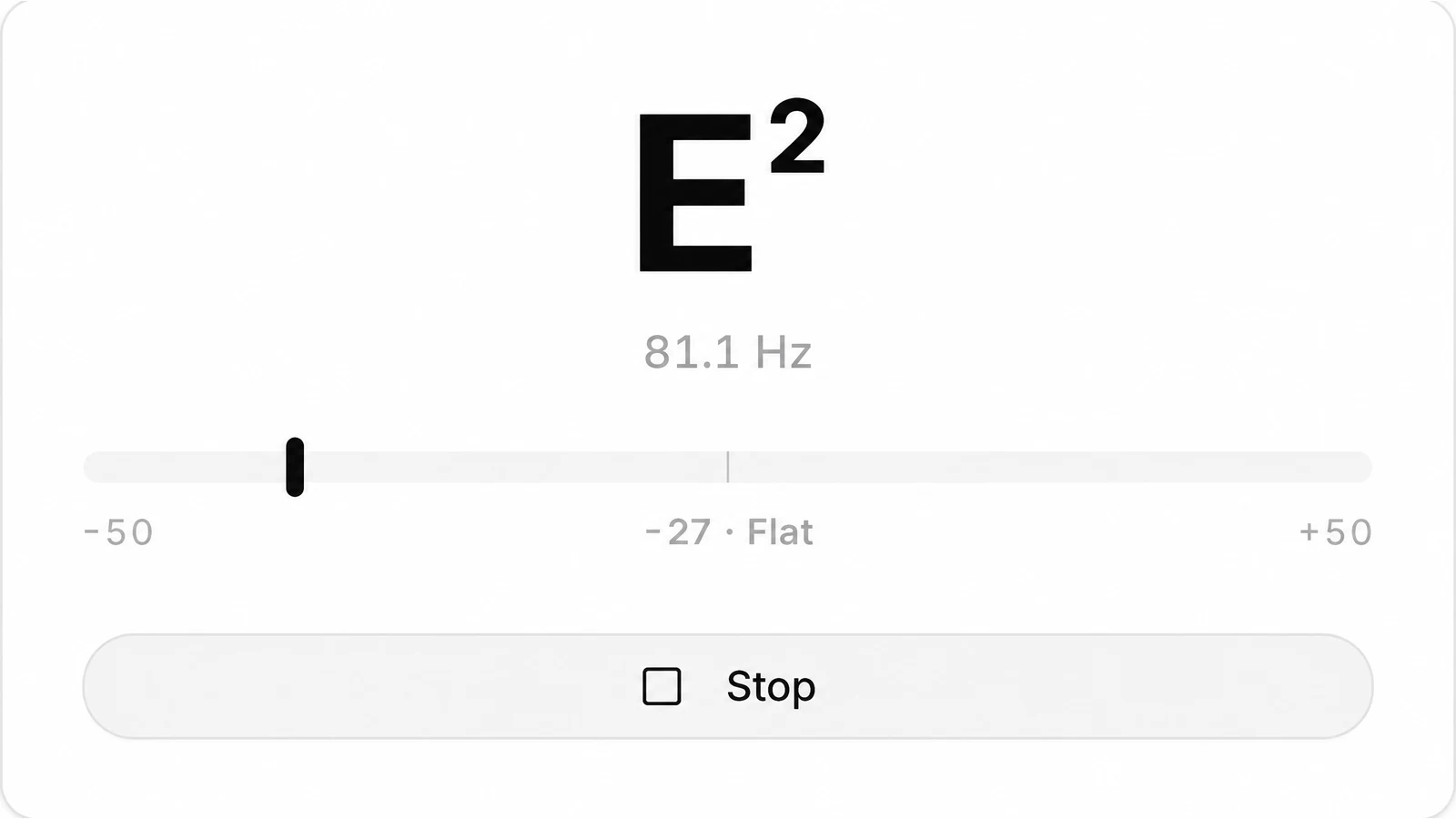
Pluck the thickest string once and let it ring. The tuner shows the nearest note with its octave number, the frequency in Hz and a meter in cents. You are aiming for E2.
3.Turn the peg toward the note
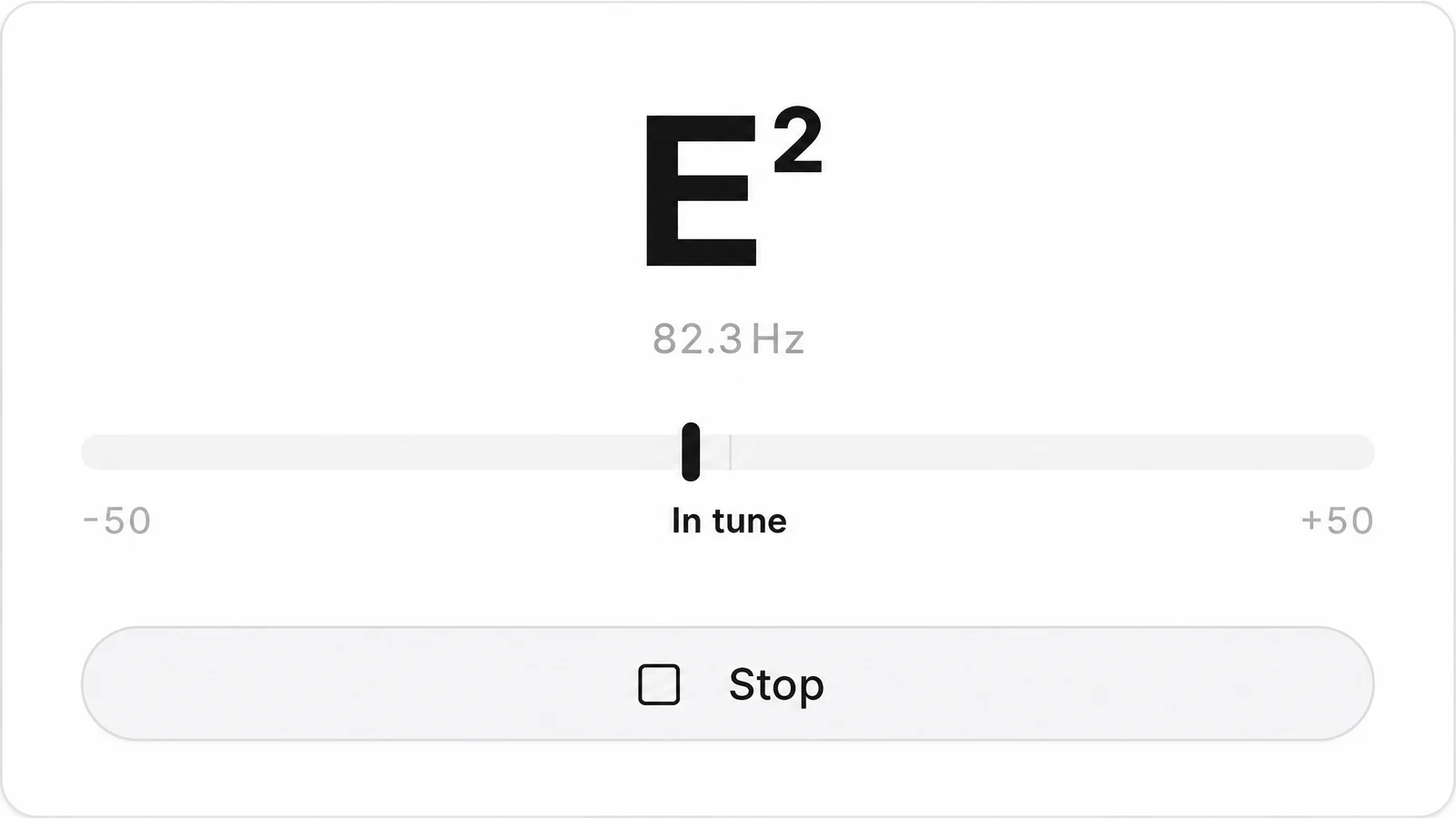
Flat means the string is too low: tighten it. Sharp means too high: loosen it. Turn slowly and pluck again after each small turn. When the meter reads In tune, the string is within 5 cents of E2.
4.Go across: A, D, G, B, high E
Tune each string to its note in the table below, from the thickest to the thinnest. Then check all six once more, because tightening one string pulls the neck a little and moves the others.
5.Press Stop when you are done
Stop turns the microphone off. Leaving the page does the same.
Standard tuning, string by string
The note each string should read on the tuner, with its pitch. String 6 is the thickest, nearest your chin.
| String | Note | Hz | Name |
|---|---|---|---|
| 6 (thickest) | E2 | 82.41 | Low E |
| 5 | A2 | 110.00 | A |
| 4 | D3 | 146.83 | D |
| 3 | G3 | 196.00 | G |
| 2 | B3 | 246.94 | B |
| 1 (thinnest) | E4 | 329.63 | High E, two octaves above string 6 |

Reading the online guitar tuner display
The display gives three things: the nearest note with its octave, the frequency in Hz, and how far off you are in cents, with Flat or Sharp. One semitone is split into 100 cents.
| The tuner shows | What to do |
|---|---|
| E2, 81.9 Hz, 11 cents Flat | Right note, slightly low. Tighten the peg a small amount and pluck again until it reads In tune. |
| A#3, 235.1 Hz, 15 cents Sharp | You wanted B3, so the string is still too low. Keep tightening until the name changes to B3, then fine tune. |
Tune up to the note: if you overshoot, go below it and come up again. The string holds its pitch better that way. Once all six strings read In tune, pick a song and look up chord shapes for its opening bars.
Tune an acoustic or electric guitar online
The tuner hears the guitar through the microphone, so the room and the way you pluck matter more than the guitar.

Pluck, listen, turn
An acoustic guitar is loud enough: sit with the sound hole facing the laptop or phone, an arm’s length away or closer. Pluck with your thumb near the middle of the string and let it ring.
An unplugged electric guitar is quiet, so bring the body close to the microphone. If it is plugged into an amp, use a clean sound at a moderate level and point the microphone at the speaker.
Turn off music and fans nearby, and mute the strings you are not tuning with your fretting hand.
Tuning a bass, a ukulele or a violin next? The chromatic tuner reads any note the same way, and the same microphone can test your vocal range before you sing along.
Drop D, half step down and drop C: the target notes
The tuner reads any note, so other tunings work the same way: tune each string to the note in its column. Low to high, string 6 to string 1. The tuner writes flats as sharps, so Eb shows as D#.
| Tuning | 6 | 5 | 4 | 3 | 2 | 1 |
|---|---|---|---|---|---|---|
| Drop D | D2 | A2 | D3 | G3 | B3 | E4 |
| Half step down | D#2 | G#2 | C#3 | F#3 | A#3 | D#4 |
| Drop C | C2 | G2 | C3 | F3 | A3 | D4 |
When the tuner shows nothing
The usual reasons, in the order people run into them.
- Microphone access was blocked
- The tuner says so under the meter. Allow the microphone for this site in your browser settings, reload the page and press Start tuning again.
- It keeps saying Play a note
- The string is too quiet for the microphone. Pluck a little harder, or bring the guitar closer to the laptop or phone.
- The note jumps around
- More than one string is ringing. Rest your fretting hand lightly on the other strings and pluck only the one you are tuning. Read the meter once the first hard attack has passed.
- The letter is right but the octave looks off
- A bright pluck near the bridge can carry strong overtones. Pluck nearer the middle of the string with your thumb. What you tune by is the letter and the cents.
- It hears the wrong microphone
- The tuner uses the input your browser picks. If a headset or webcam mic is chosen, change the input in your browser or system sound settings.
- The browser cannot reach a microphone at all
- Open the page in a current version of Chrome, Safari, Firefox or Edge.
What this online guitar tuner does not do
It is a microphone tuner that reads one note at a time. Here is what it leaves out.
- No reference tones. It listens; it does not play notes. To tune by ear, get the low E in tune here, then match each string to the one above it: fret 5 on strings 6, 5, 4 and 2, fret 4 on string 3.
- No tuning presets. There is no string selector and no drop D or open tuning mode. Read the note name and compare it with the tables above.
- It does not know your string. It names the nearest note, whatever you play. A badly detuned B string can read as A#3 until you bring it up.
- A4 is fixed at 440 Hz. You cannot set another reference pitch, such as 432 or 442 Hz.
- Single strings, not chords. A strummed chord does not give a clean reading. Pluck single strings.
- Microphone only. There is no cable or audio interface option in the tuner. An electric guitar is heard through the microphone.
Guitar tuner questions
Do I pay anything to tune here?
Nothing. The online guitar tuner runs in your browser with no account, no sign up and nothing to install. The pitch is worked out on your device, so the microphone audio is not uploaded.
What notes are the guitar strings in standard tuning?
From the thickest string to the thinnest: E2, A2, D3, G3, B3, E4. Many players remember it as Eddie Ate Dynamite, Good Bye Eddie. The tuner shows the same note names with the octave number.
Can I tune an electric guitar with a microphone?
Yes. Unplugged, hold the body close to the microphone and pluck firmly, because the strings are quiet. Through an amp, use a clean sound at a moderate level; heavy distortion makes a single note harder to read.
Can I tune a 12 string guitar?
It can, string by string. On the four lower pairs the thin string sits an octave above its partner: E3, A3, D4 and G4. The two top pairs are tuned to the same note, B3 and E4. The octave number on the display tells the strings of a pair apart.
Can I tune with my phone instead of a laptop?
Sure. Open this page in the phone browser, accept the microphone prompt, and rest the phone close to the sound hole or the pickups.
How close to In tune is close enough?
The tuner shows In tune within 5 cents, which is closer than most ears can hear on a single string. Check that chords sound right after tuning; if one string still sounds off, tune it again.
Why does my guitar go out of tune so fast?
New strings keep stretching for a few days, and changes in temperature and humidity move the pitch too. Tune every time you pick the guitar up, and again after a few minutes of playing on fresh strings.