How to Make Music
How to make music, one job at a time: write a song and its lyrics, build a beat, find the tempo and key of a track, take the vocal out and put the lyrics on video.
Learn how to make music one job at a time
Every guide teaches one job you can finish today, with an example you can see or hear.
Steps in the order you do them
Each guide follows the job from the first decision to a finished file, one step at a time, so you can stop at any step and pick up later.
One example worked through
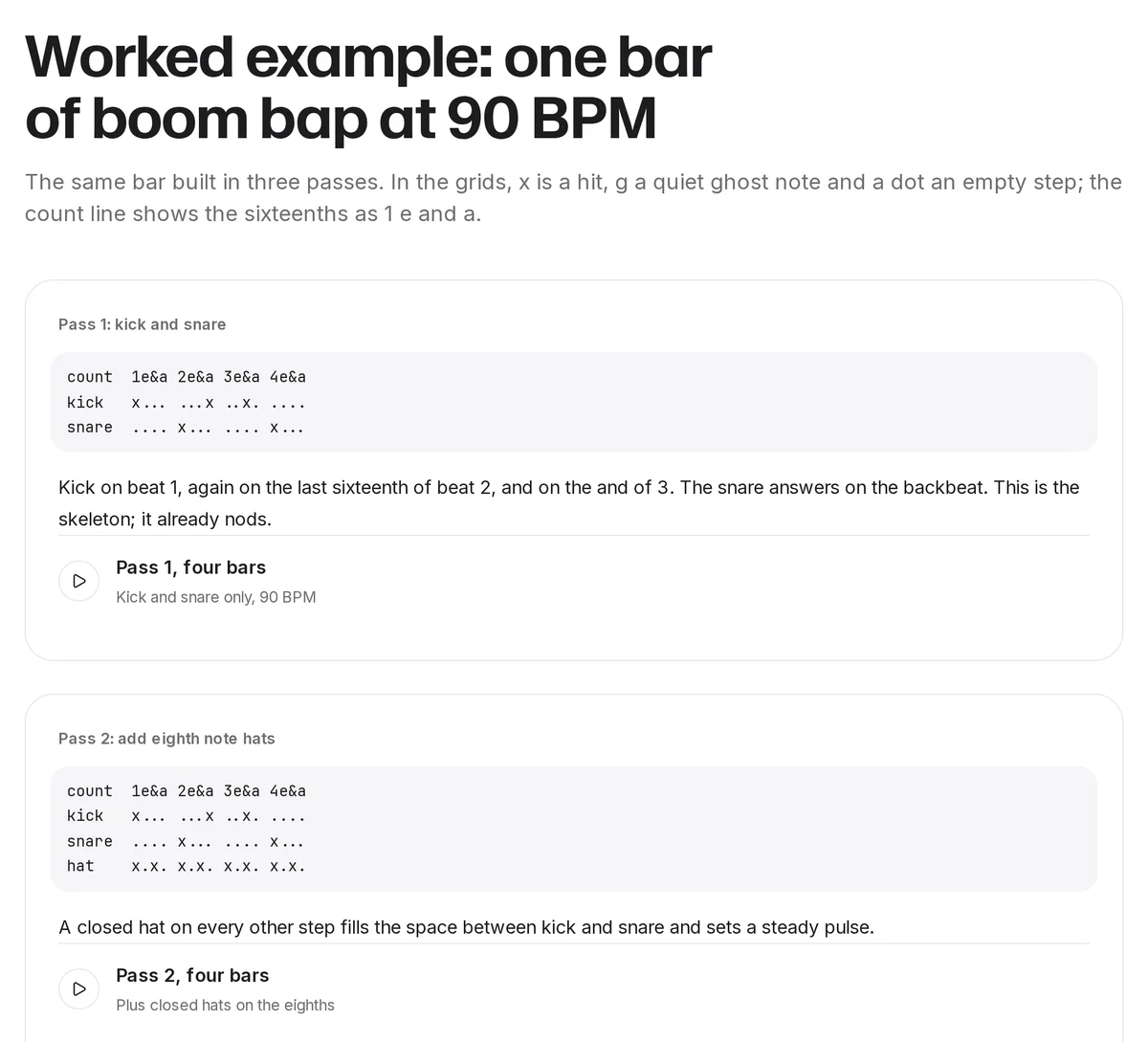
A beat built in three passes you can hear, a count turned into a BPM, a progression traced to its key, a lyric draft and its rewrite.
The tool where you need it
When a step has a matching SongDuet tool, the guide links it at that step and says plainly what the tool does not do.
Guides for writing songs and lyrics
Read the songwriting guide first if you have an idea but no song yet: it goes from idea and title through chorus, verses, chords, melody and structure to a demo and a revision. Go to the lyrics guide when the song exists but the words feel flat; it covers subject, the title line, rhyme, syllables and stress, with a rhyme scheme table and a glossary.


Make the music move: beats and rhythm
The beat making guide builds a drum pattern in eight steps, gives tempo and pattern recipes for common genres and plays a worked example at each stage. The metronome guide is about keeping time: how metronomes work, the Italian tempo markings with their BPM ranges, and a practice routine with click examples at three tempos.

Tempo and key
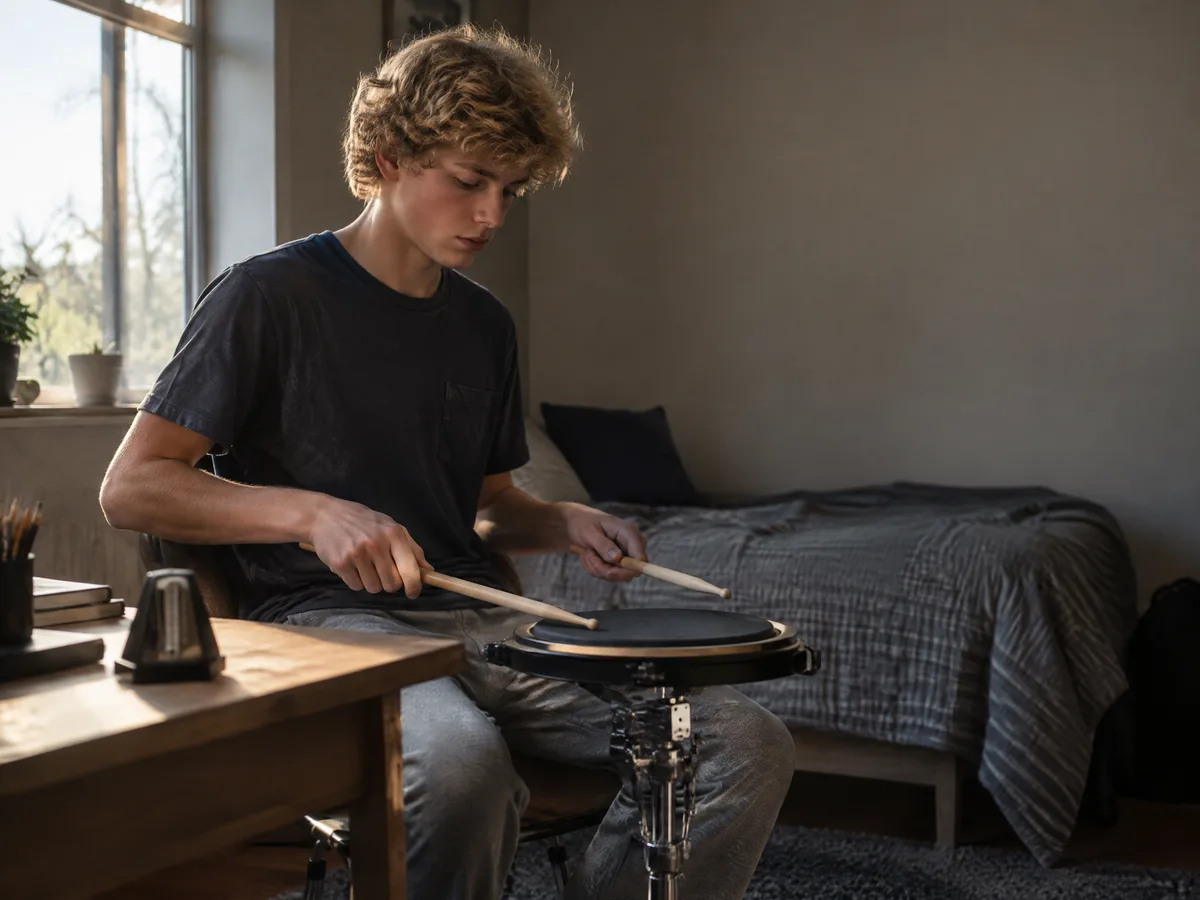
Both guides teach you to work it out yourself before you reach for a detector. For tempo you count against a clock, tap along or read it from the file, and learn the half time and double time trap. For key you find the home chord, the chord family and the last chord, then check the relative minor in a key signature table.


Vocals and lyric videos
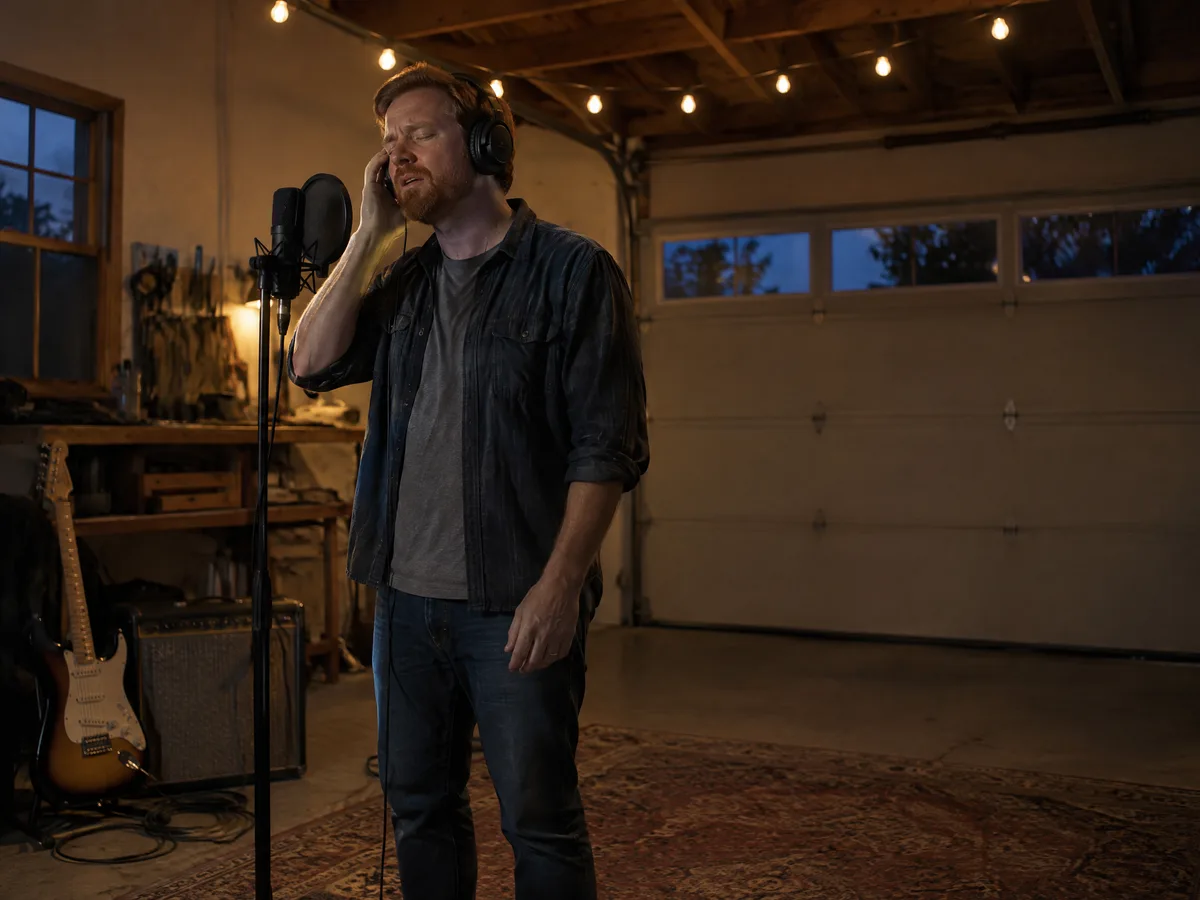
These two are for a song that is already finished. The vocal guide compares phase cancellation, EQ and AI separation honestly, then walks through the AI route step by step. The lyric video guide shows the classic editor method of timing each line, with a worked timing example, and what SongDuet’s video tool does instead.


How to make music: a reading order
If you are starting from nothing, read the guides in the order a song gets made.
1.Write the song
Start with an idea and a title, then build the chorus first. How to write a song takes you from that idea to a rough demo.
2.Make the words sing
Rhyme, syllables and stress decide whether a line feels natural in the mouth. Writing lyrics shows a draft and the rewrite side by side.
3.Build the beat
Tempo, kick, snare and hats, then swing and a second bar. Follow the beat making guide, and learn to play to a click with what a metronome is for.
4.Measure a reference track
When you write in the style of a song you love, first find its BPM and then work out its key from the chords.
5.Make an instrumental or an acapella
For karaoke, a cover or a remix, removing vocals compares the three ways to do it.
6.Put it on video
When listeners can read the words, they join in sooner. The lyric video guide shows how to place each line on its beat in an editor.
How the guides are written
The craft in each guide is general music knowledge: song structure, rhyme, drum patterns, tempo, keys. It works the same in any DAW, on any instrument and with any app.
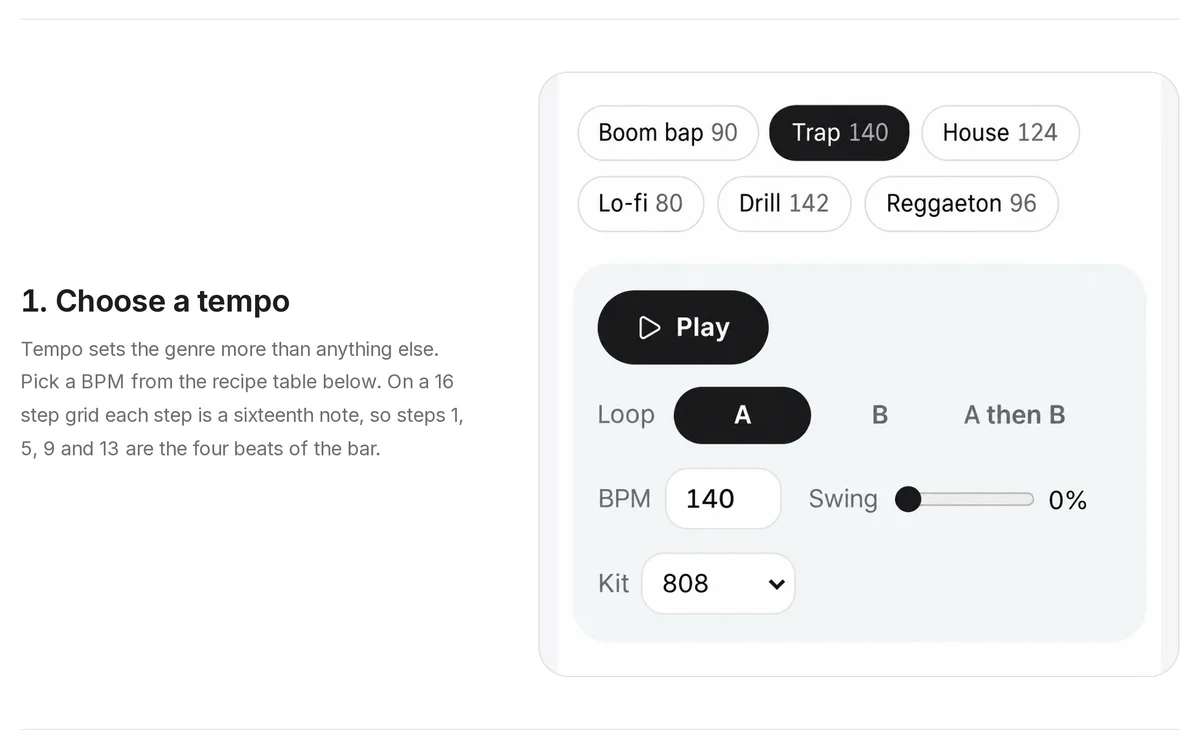
Whatever a guide says about a SongDuet tool is checked against what the tool does today, and each guide says where its tool stops. A step that shows a tool, like the tempo step of the beat guide, uses a screen from the real tool.
Lyrics, progressions and patterns are written for the page. None is copied from a released song.
Questions about the guides
Do I have to sign in to read the guides?
No. Every guide is a page you read. Signing in only matters when you use a tool that runs in the Studio, such as the vocal remover or the song maker.
Do I need music software to follow them?
Not to start. The songwriting and lyrics guides need a notebook and an instrument if you play one. The beat guide works in the browser beat maker or any DAW, and tempo and key can be found by ear or with the browser tools the guides link.
Are the examples taken from real songs?
No. Every lyric, chord progression and drum pattern in the guides is written for the page, and the audio examples in the beat and metronome guides are synthesized for them.
Is there a guide on mixing and mastering?
Not yet. For the last step, the AI mastering page explains One-Click Master and Match a Reference, and the mastering software comparison sets out the other kinds of tools you can use.
Can AI do some of these steps for me?
Some of them. The song maker turns a description into a sung song, the lyrics generator writes lyrics from an idea, and the vocal remover splits a song into vocals and instrumental. Those run in the Studio and need an account and credits.