Musician Tools
Free musician tools for every practice session: tune up, keep time, read the tempo and key of a track, look up a chord, trim a song and sketch a drum loop. Every tool runs in your browser, with nothing to install and no account.
Musician tools that stay on your device
Small tools for the jobs that come up in every practice session and every song.
Nothing to set up
Each page is the tool itself, ready in any current browser on a laptop, tablet or phone. You skip the installer, and you skip the sign up form too.
Your sound stays with you
The tuners and the vocal range test listen through your microphone and read the pitch on your device. The BPM finder, key finder and MP3 cutter decode your file in the browser. Nothing is uploaded.
Real readings, not guesses
You get numbers you can act on: the note with its frequency in Hz and how many cents off it is, a tempo to one decimal, a key with its Camelot code, a cut to a tenth of a second.

Musician tools for tuning and range
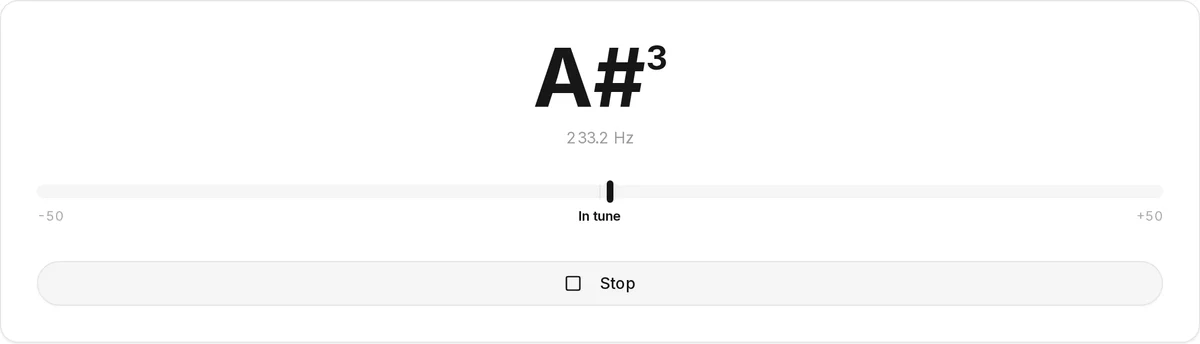
Each of these hears your microphone and works out the pitch right on your device. Reach for the guitar tuner page when it is six strings in front of you, because it walks through standard tuning and the usual alternate ones. The online tuner page suits everything else that sustains a single pitch, from violin and ukulele to brass or a sung note. Either one gives the note name, its frequency, and the cents between you and the target.
The vocal range test is for singers. Sing from your lowest comfortable note to your highest, and it keeps both, gives the range in octaves and semitones, and picks the closest of six voice types.
Tempo and timing
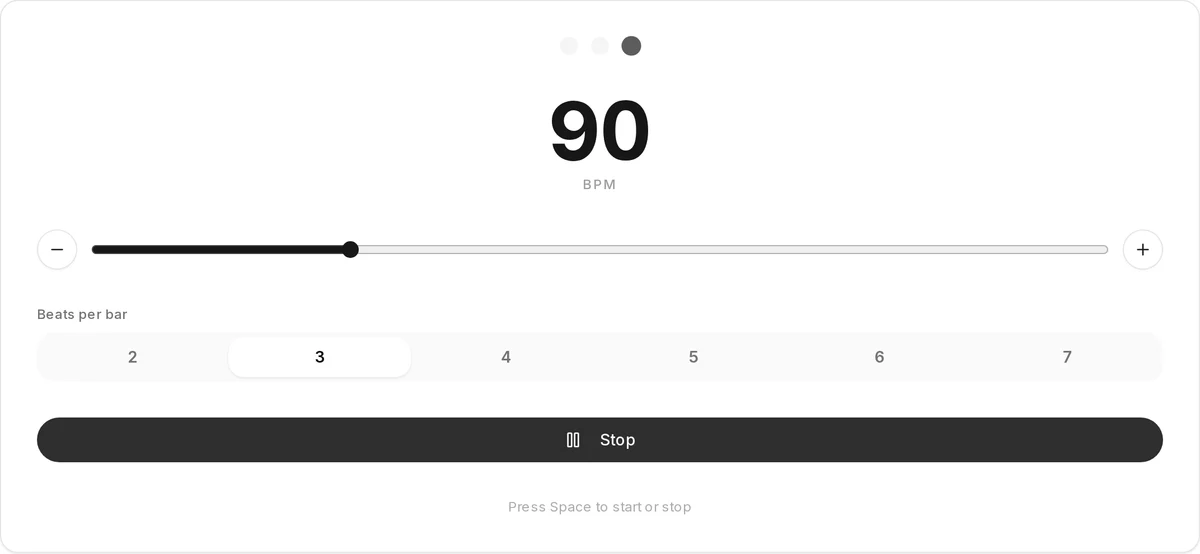
The metronome gives you the click: set 40 to 240 BPM, choose 2 to 7 beats per bar, and beat one sounds higher so you always know where the bar starts. You can change the tempo while it plays, and the Space bar starts and stops it.
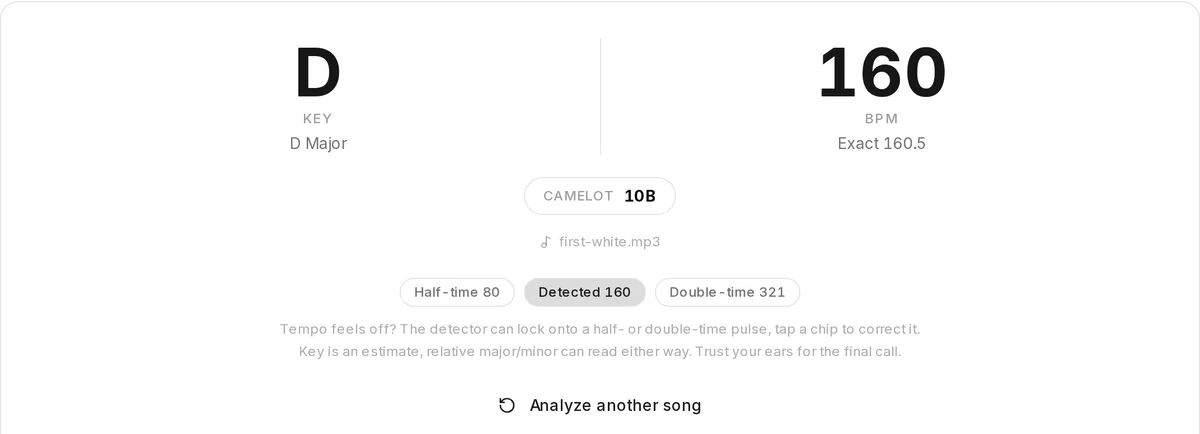
The BPM finder works the other way round. Drop in a track and it tells you its tempo, so you can set the metronome to match before you practise along. If a reading sounds twice as fast or half as fast as it feels, tap the Half-time or Double-time chip.
Key and chords
Start with the key finder when you have a recording: it estimates the key and whether it is major or minor, adds the Camelot code DJs use for mixing, and reads the tempo of the same file. A key estimate can land on the relative minor or major, so check it against the chords by ear.
The chord finder does not listen to audio. Pick a root and a chord type and it shows how to play it on guitar, ukulele or piano, with several voicings up the neck. Tap notes on its keyboard instead and it names the chord they make.
Cut a song down to the part you need
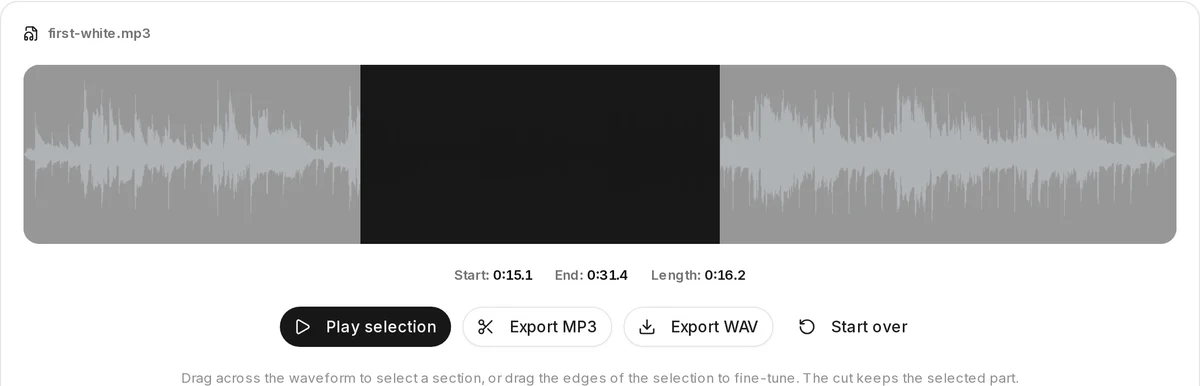
Drop a file, drag across the waveform and play the selection until the edges are right. The readout shows start, end and length to a tenth of a second. Export MP3 for a small file, or WAV when you want to avoid a second round of compression, for example before you loop a hard passage for practice or send a clip to your band.
Musician tools for making beats
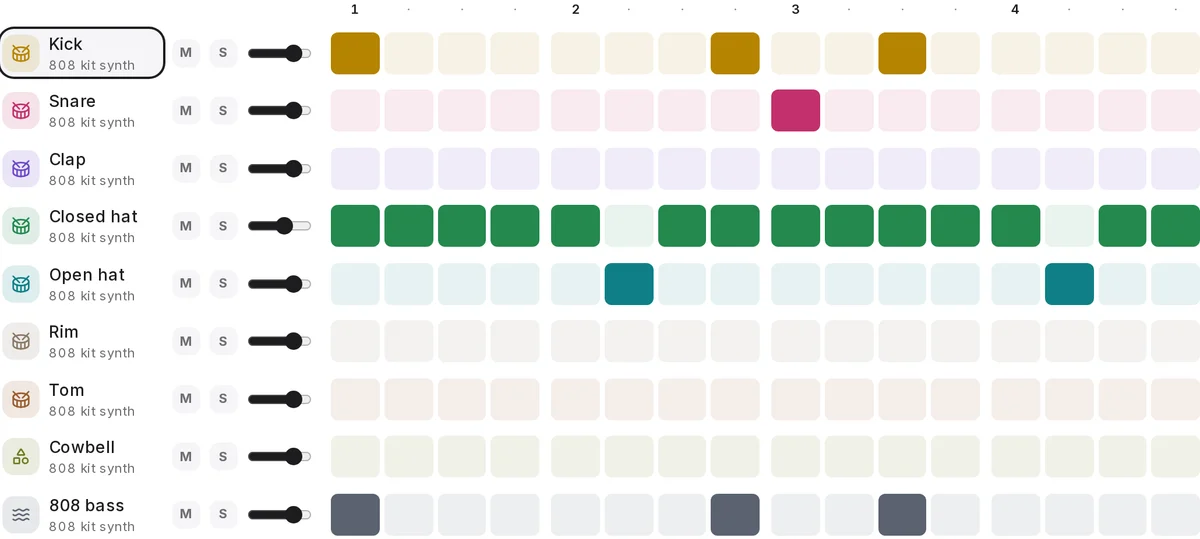
Click hits into nine rows of drums and an 808 bass, start from one of eight presets, add swing and quiet ghost notes, and chain two patterns into a two bar loop. When it grooves, Download MIDI to keep editing the notes in your DAW or Download WAV to play it under a vocal. Copy share link puts the whole beat in a link anyone can open.
One song through the musician tools
Say you want to learn a song you have as an MP3 and play it with a drum loop. This is the order that saves the most time.
1.Tune up
Before anything else, bring your instrument to pitch: strings on the guitar tuner, anything else on the chromatic tuner.
2.Measure the song
Drop the MP3 into the key finder. You get the key and the BPM from one file, so you know where home is and how fast it moves.
3.Look up the chords you are missing
When the key points to a chord you have not played before, look up its shape in the chord finder and hear it.
4.Loop the hard part
Cut the tricky bars out with the MP3 cutter and play them on repeat in any player until your fingers know them.
5.Practise slower, then at tempo
Set the metronome below the song’s BPM, then step it up until you reach the real tempo.
6.Add a drum loop
Type the same BPM into the beat maker, build a groove and export it as WAV to jam over, or as MIDI for your DAW.
When the song needs more than these musician tools can do, the Studio takes over: split it into separate instruments with the stem splitter, turn a part into notes with MP3 to MIDI, or finish your own mix with AI mastering. Those run on our servers, need an account and cost credits.
Pick the right musician tool for the job
Start from what you want to get done.
- Get six strings in tuneOnline Guitar TunerShows the note with its octave (E2 for the low string), the frequency in Hz and the cents on a meter from minus 50 to plus 50; In tune inside 5 cents.
- Tune a violin, a horn or your voiceOnline TunerThe same chromatic reading for any instrument that holds one note, against A4 = 440 Hz.
- Know which songs suit your voiceVocal Range TestKeeps your lowest and highest steady note, gives the range in octaves and semitones and the closest of six voice types.
- Practise in timeMetronome40 to 240 BPM, 2 to 7 beats per bar, beat one accented, lights that follow the click.
- Read the tempo of a trackBPM FinderA whole BPM, an exact figure with one decimal, and Half-time and Double-time chips when the detector locks onto the wrong pulse.
- Learn what key a recording is inKey FinderTonic plus major or minor, its Camelot code for DJ sets, and a tempo reading from that very file.
- Play a chord you only know by nameGuitar Chord Finder15 chord types on 12 roots, as guitar or ukulele diagrams or highlighted piano keys, with a reverse mode that names the chord from notes you tap.
- Keep only the part you needMP3 CutterDrag across the waveform, play the selection, export MP3 at 192 kbps or WAV at 16 bit.
- Sketch a drum loopBeat MakerNine drum and bass rows on 16 or 32 steps, swing and ghost notes, then Download MIDI or Download WAV.
What these tools do not do
- No lookups by song title. The BPM finder and key finder read an audio file you have. They do not take a song name, a YouTube link or a streaming link.
- Single notes only. Both tuners follow one sustained pitch, so strum each string on its own rather than a whole chord. Their reference stays at A4 = 440 Hz.
- One key and one tempo per file. A song that changes key or speed gets the reading that fits most of it, not a map of every change.
- Drums, not a full studio. The beat maker covers drums and an 808 bass. It has no melody, chords or piano roll, and you cannot load your own samples.
- Browser only. These tools live in web pages; we do not make a phone or desktop version of them.
Questions about the musician tools
Are these musician tools really free?
Yes. Every tool listed on this page works in your browser with no account and no credits. A few extras need you to sign in, such as loading a song you made on SongDuet into the BPM finder or saving a beat to My beats, but the tools themselves do not.
Does my recording leave my computer or phone?
No. The tuners and the vocal range test read your microphone on your device, and the BPM finder, key finder and MP3 cutter decode your file in the browser. Leaving the page or pressing Stop releases the microphone.
Do they work on a phone?
Yes, in a current mobile browser. The microphone tools ask for permission after you press Start, and the beat maker wraps each row into lines of eight steps so a full bar fits on a small screen.
Which tuner should I use?
Both read any note the same way. The guitar tuner page explains standard and alternate guitar tunings string by string; the online tuner page is laid out for any other instrument or your voice.
Can I find the BPM or key of a song from a link?
No. Both finders read an audio file you have on your device. If you only have a link, you need the file itself first.