Audio to Sheet Music
Drop a recording, choose the instrument you want written out, and the Studio transcribes it into a score you can read on screen and download as MusicXML and MIDI. Guitar and bass also get tab and a Guitar Pro file.
Picking a file is open to anyone. Transcription starts in the Studio after you sign in, and each run uses credits shown on the Transcribe button. A failed run gives them back.
What music transcription actually does
Music transcription is writing down the notes you hear in a recording as notation: pitches, rhythms and, for fretted instruments, the tab.
People have always done this by ear, one replay at a time. Here a model listens for the instrument you choose and writes its notes on staves for you; you check and finish the result.
Eight instrument choices, one per run
The instrument you pick decides what the score looks like and which files come back.
| Instrument | What you get | Files |
|---|---|---|
| Piano | A two-staff piano score from a piano recording | MusicXML, MIDI |
| Vocals | The sung melody on a single staff | MusicXML, MIDI |
| Guitar | Notation with tab | MusicXML, MIDI, Guitar Pro |
| Bass | Bass notation with tab | MusicXML, MIDI, Guitar Pro |
| Drums | Drum notation: kick, snare, hi-hat, toms and cymbals | MusicXML, MIDI |
| Wind | Flute, sax, trumpet and other wind melodies | MusicXML, MIDI |
| Strings | Violin, viola and cello lines | MusicXML, MIDI |
| Piano arrangement | Any full song turned into a playable piano score | MusicXML, MIDI |
From an MP3 to a printable score
The order the Studio shows you, from dropped file to downloaded score.
1.Drop the recording and sign in
Pull an MP3, WAV or FLAC onto the drop box above. After you sign in, the Notation stage opens on its Sheet & tabs tab and your recording is already sitting in the Audio card. Prefer a song you made on SongDuet? Choose it from your library instead.
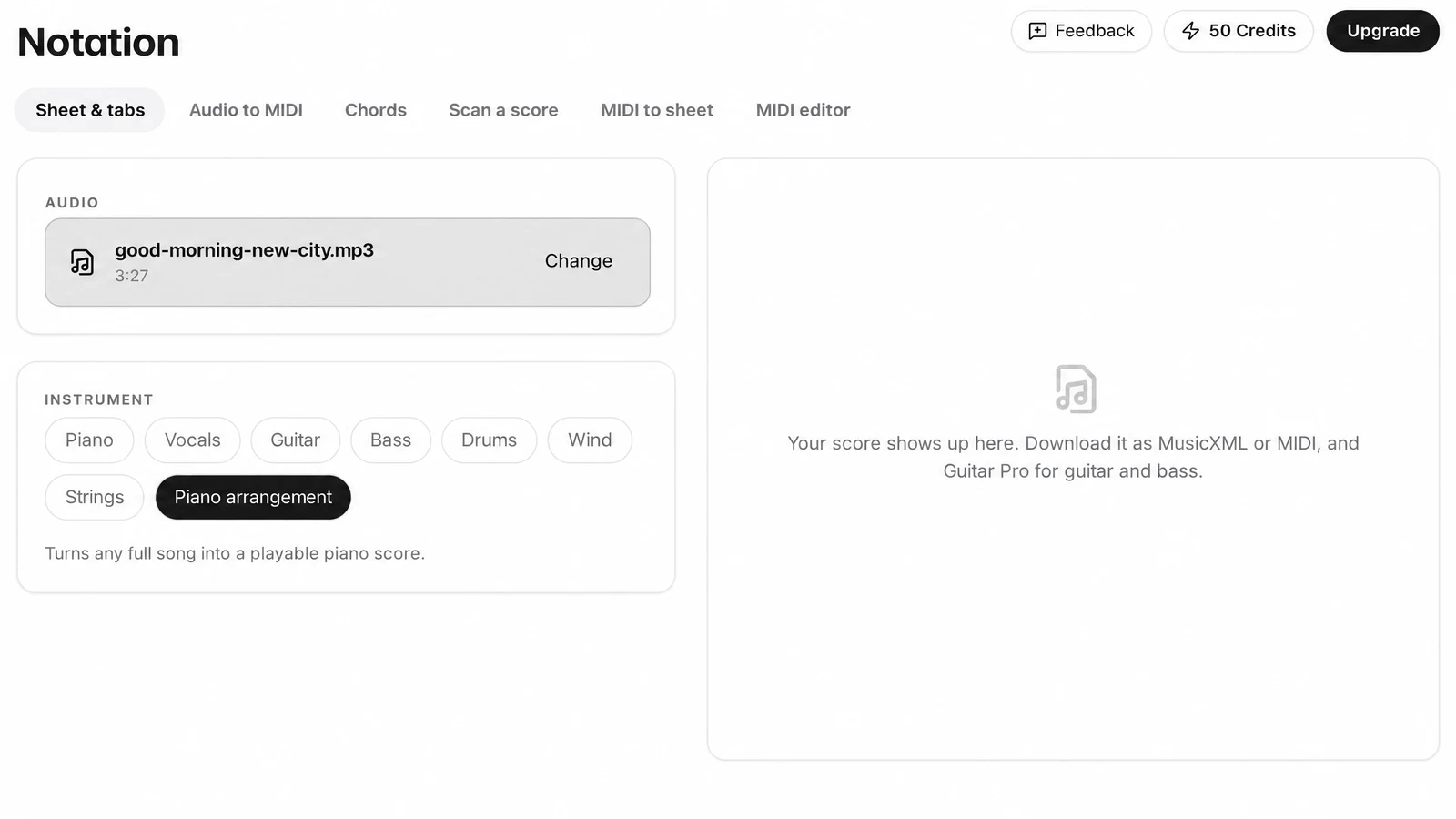
2.Choose the instrument
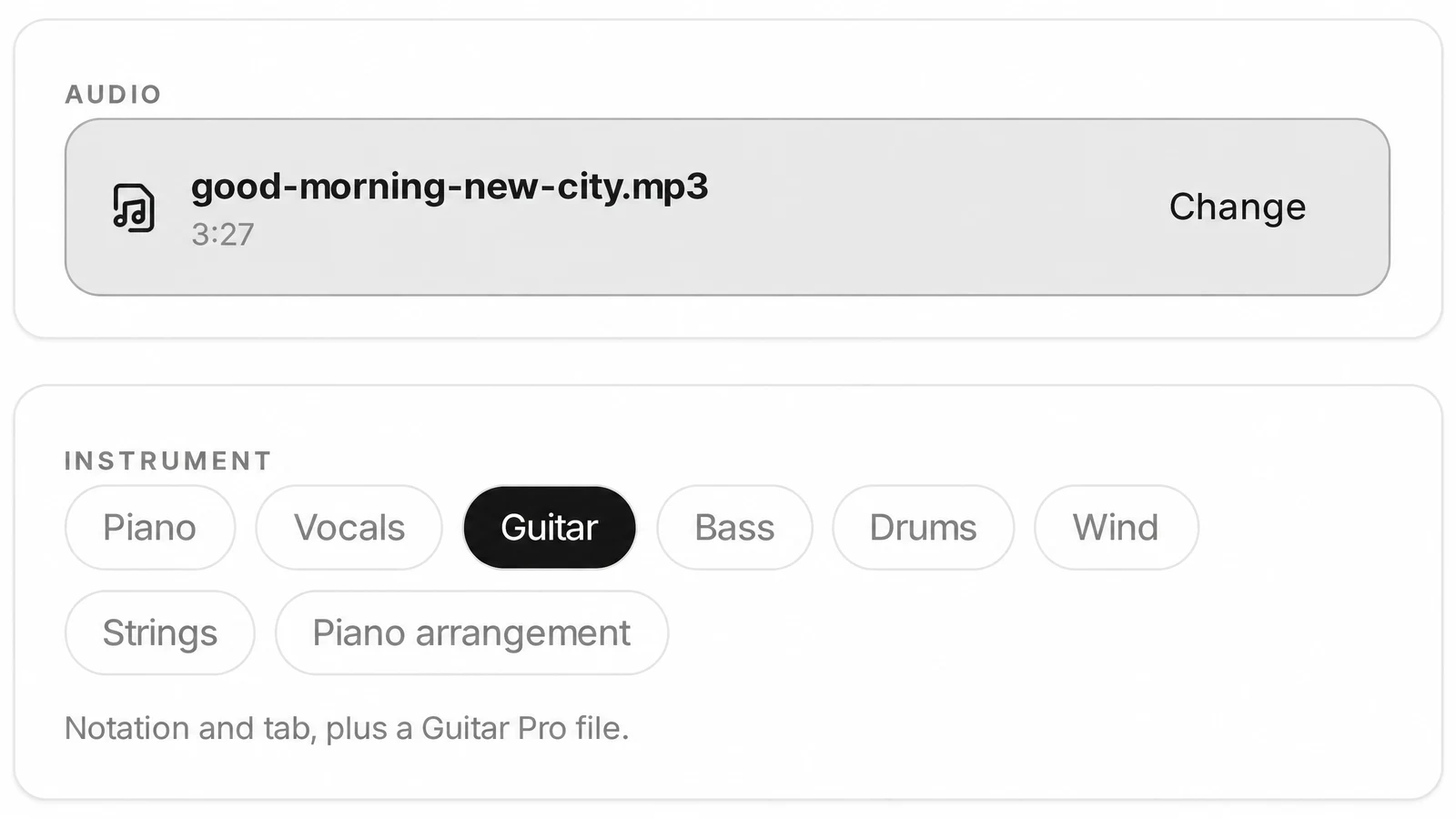
Pick one of the eight choices. A line under the picker says what that choice writes, for example notation and tab plus a Guitar Pro file for Guitar.
3.Press Transcribe
The price in credits is printed on the button. During the run the result card reads listening and writing it down; the Studio estimates one to three minutes.
4.Read the score and download the files
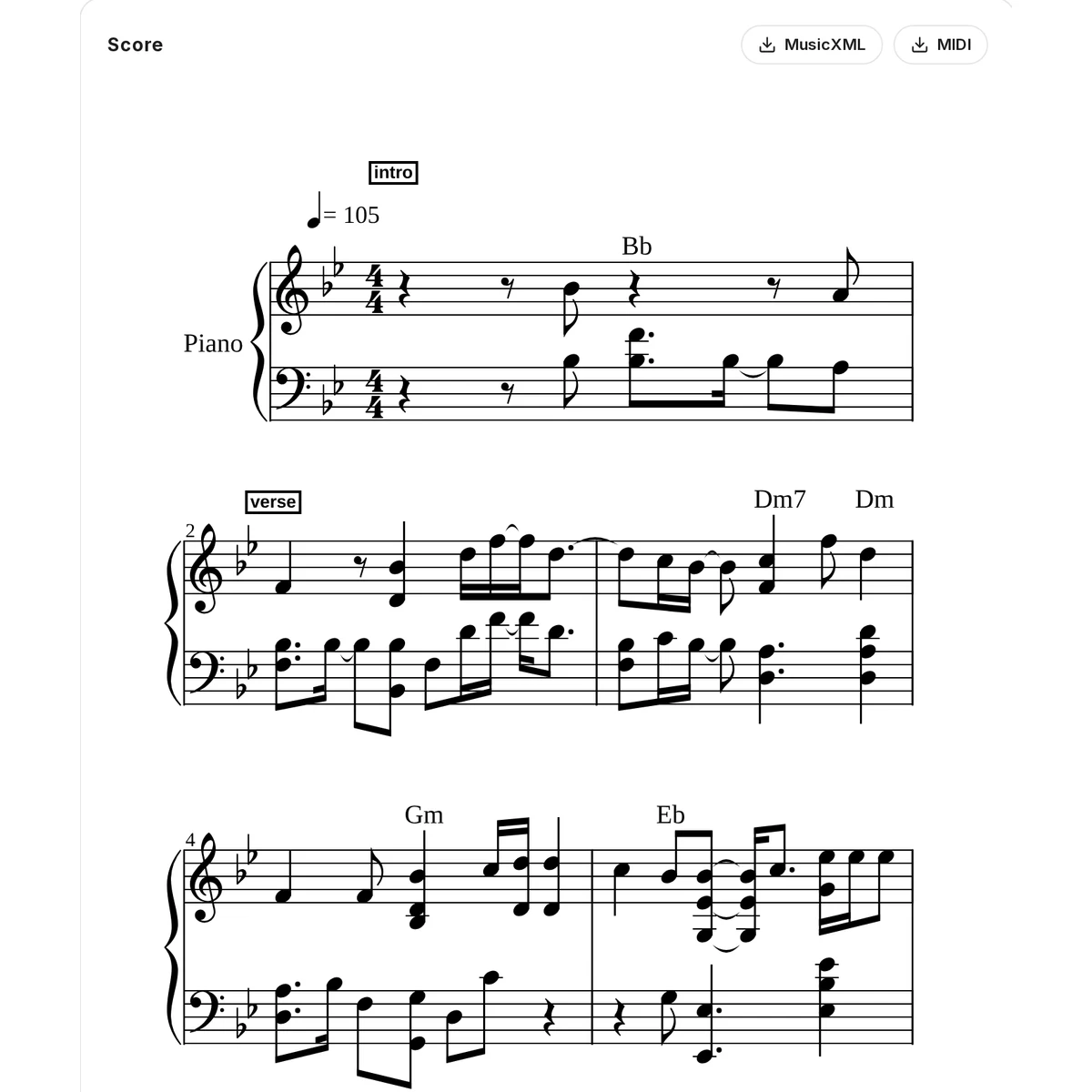
The score appears on staves in the result card, with MusicXML and MIDI buttons above it, and Guitar Pro for guitar and bass. Download them before you leave the page. The shot is our own test in November 2026: the first 30 seconds of a song made on SongDuet, transcribed once as Piano arrangement.
What the MusicXML, MIDI and Guitar Pro files are for
Each file is a different next step. None of them is a PDF; that comes from your notation program.
- MusicXML
- The score itself. Open it in MuseScore, Sibelius, Finale or Dorico to check the notes, add markings, print it or save it as a PDF from there.
- MIDI
- The same notes as a standard MIDI file. Drag it into a DAW to hear it on any instrument, or into a piano roll to fix timing.
- Guitar Pro
- Guitar and Bass only: a tab file for Guitar Pro and the tab programs that read it, with notation and tab together.

Composing, chords or a printed score? Other tabs do that
Searches for a sheet music generator often mean writing something new. This page writes down what is already in a recording.
- A new piece, composed for youThe AI sheet music creator writes a new classical score from a period, a composer style and an instrumentation.
- Notes for a DAW, no stavesThe audio to MIDI converter writes the notes into a file you can drop in a DAW, with a piano roll editor to fix them.
- A chord chart, not a full scoreThe Chords tab of the same stage gives a chord chart with the time of every change.
- Printed music to MIDIScan a score reads a photo or PDF of printed music. MIDI to sheet goes the other way, from a .mid file to notation.
Where music transcription stops
Worth reading before you press Transcribe.
- One instrument per run. Each run writes the part you picked. For a second instrument, run it again with the other choice; a whole band in one score is not offered.
- Check the notes. It is an automatic transcription, not a hand-checked score. Wrong or missing notes are possible, so read it through in your notation program.
- No PDF here. The result card has no PDF button; print from your notation program after opening the MusicXML.
- No playback or editing in the card. The result card shows the score on staves. Playing it and changing notes happen in your own software.
- Not kept in your library. Download the files from the result card when the score appears. Transcriptions are not listed in the Studio library.
- Score to sound is not offered. Sheet music cannot be turned back into audio on this site.
- Files only, with a length limit. YouTube, TikTok and Spotify links are refused. The Upload audio card shows the longest recording it takes; audio under 5 seconds is refused.
Transcription questions, answered
What does audio to sheet music cost?
Picking the file is open to anyone, but transcription runs in the Studio after you sign in and each run uses credits. The Transcribe button shows the cost first, and a run that fails or finds no notes gives the credits back.
Will the score be note-perfect?
It is automatic, so expect to correct some notes. We have not measured an accuracy figure yet. A recording where the chosen instrument is clear gives it the best chance.
Can I get piano sheet music from a pop song?
Yes. Choose Piano arrangement: it turns a full song into a playable piano score. Choose Piano only when the recording is a piano.
How do I get guitar tabs from a recording?
Choose Guitar, or Bass for a bass line. Both give notation with tab, plus a Guitar Pro file next to the MusicXML and MIDI.
Can the score go to my printer?
Yes, from a notation program. Download the MusicXML, open it in MuseScore, Sibelius, Finale or Dorico, and print it or save it as a PDF there.
The song has a full band. What should I do?
Pick the instrument you want written out, or Piano arrangement for the whole song on piano. For a clean single part, separate the song into stems first and upload the stem of that instrument.
How long until the score shows up?
The Studio says it usually takes one to three minutes. The score appears in the result card when it is done.
Can it write new music from a description?
Not here. This page writes down music that already exists in a recording. Composing a new score is the job of the sheet music maker.