Lyric Video Maker
Drop a finished track and add a photo. AI plans the scenes, cuts them on the beat and writes the sung lines on screen as subtitles, then hands you an MP4.
Dropping a song opens the Studio video panel. Making the video needs an account and credits, priced by the seconds of song you use.
A lyric video maker that builds the video, not a template editor
Most lyric video makers give you a timeline, a font list and an empty canvas. This one starts from the song.
What it is. A tool that listens to your track, transcribes the vocals and makes a new music video around them: AI shots cut to the beat, the main character kept close to your photos, the sung lines as subtitles.
What it is not. A template editor where you type each line, pick fonts and drag text on a timeline, and not a way to put lyrics over footage you already have.
Prefer to place every line yourself over your own footage? Our guide to making a lyric video by hand shows how to time lyrics line by line in any video editor.
How to use the lyric video maker with your song
The first two screens are the real Studio panel. The last two steps run in the same panel once you press Generate.
1.Drop the finished song
Drop an MP3, WAV or other audio file of up to 25MB in the box above, or pick a song from your Studio library later. After you sign in, the Video section opens with the song loaded. On a long song, drag the window to choose which part becomes the video.
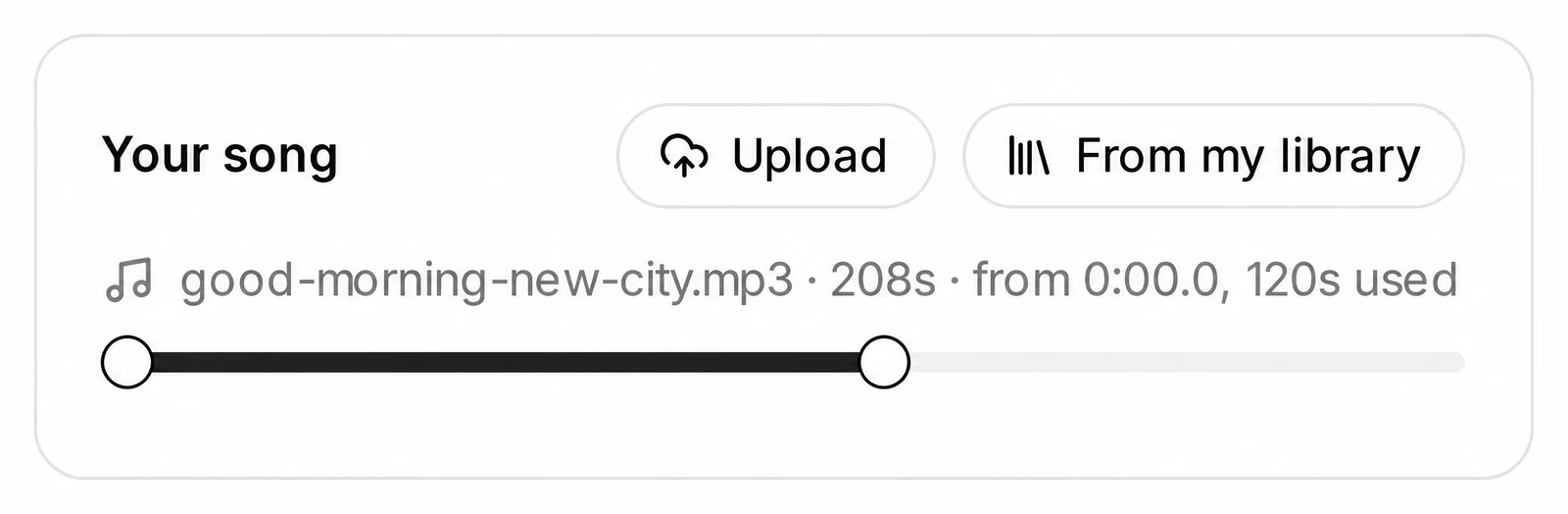
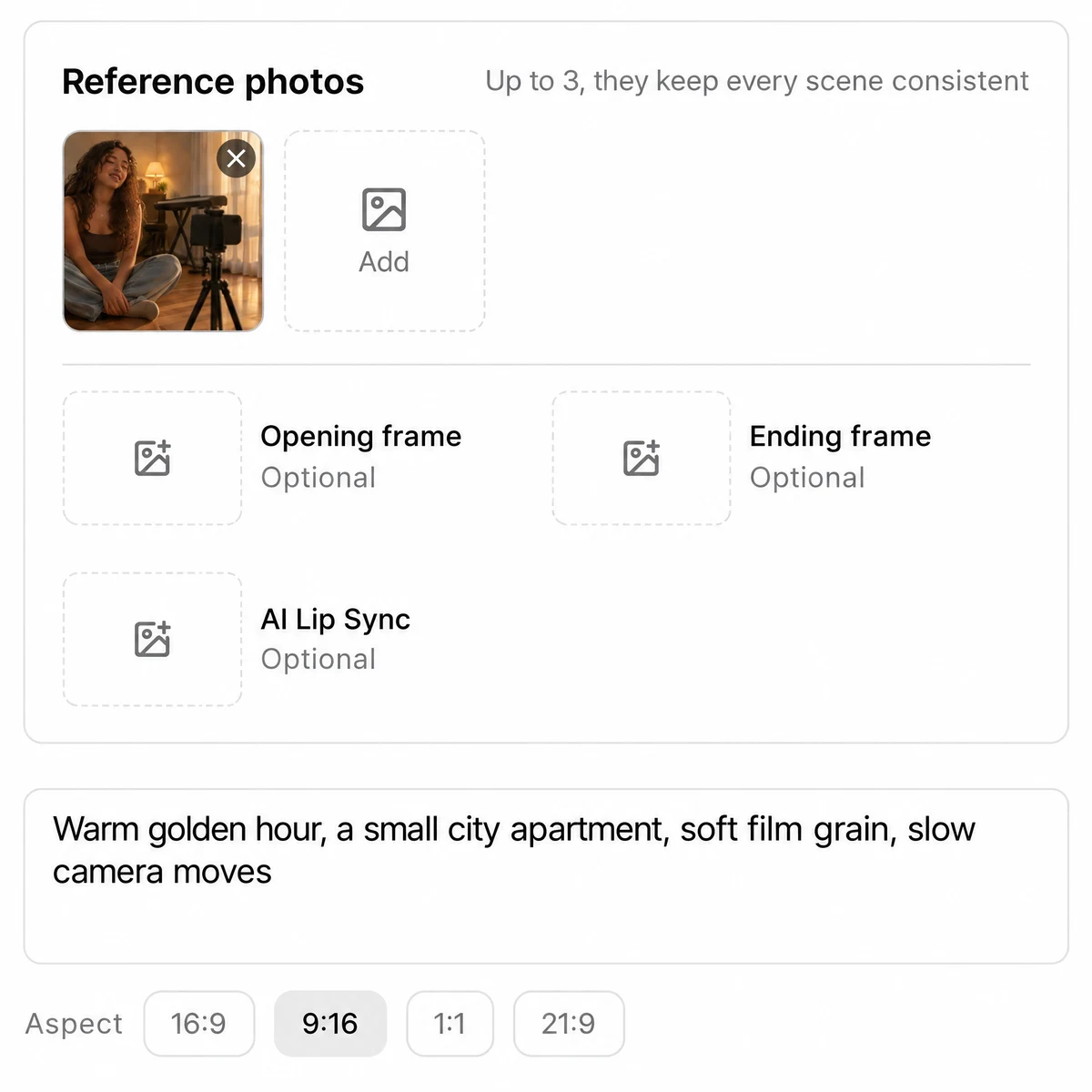
2.Add a photo, a look and a shape
Add one to three reference photos: they keep the main character and the look the same from scene to scene. Opening frame, Ending frame and a face photo for AI Lip Sync are optional. Write a line of style direction, then choose 9:16 for TikTok and Reels, 16:9 for YouTube, 1:1 or 21:9.
3.Press Generate and check the shots
The Generate Music Video button shows the price for the length you chose before you press it. The Studio analyses the beat and the song sections, writes the storyboard, generates the shots and transcribes the vocals for the subtitles. Before the final cut a review panel shows every shot; regenerate one that falls short or approve.
4.Download the MP4
The finished video, with your song as the soundtrack and the lyric lines on screen, downloads as an MP4 and stays in My videos. If a cut lands on the wrong shot, the editor lets you swap or drop shots and render again a limited number of times.
Where the lyric video generator gets the words
You never type them. The Studio listens for them.
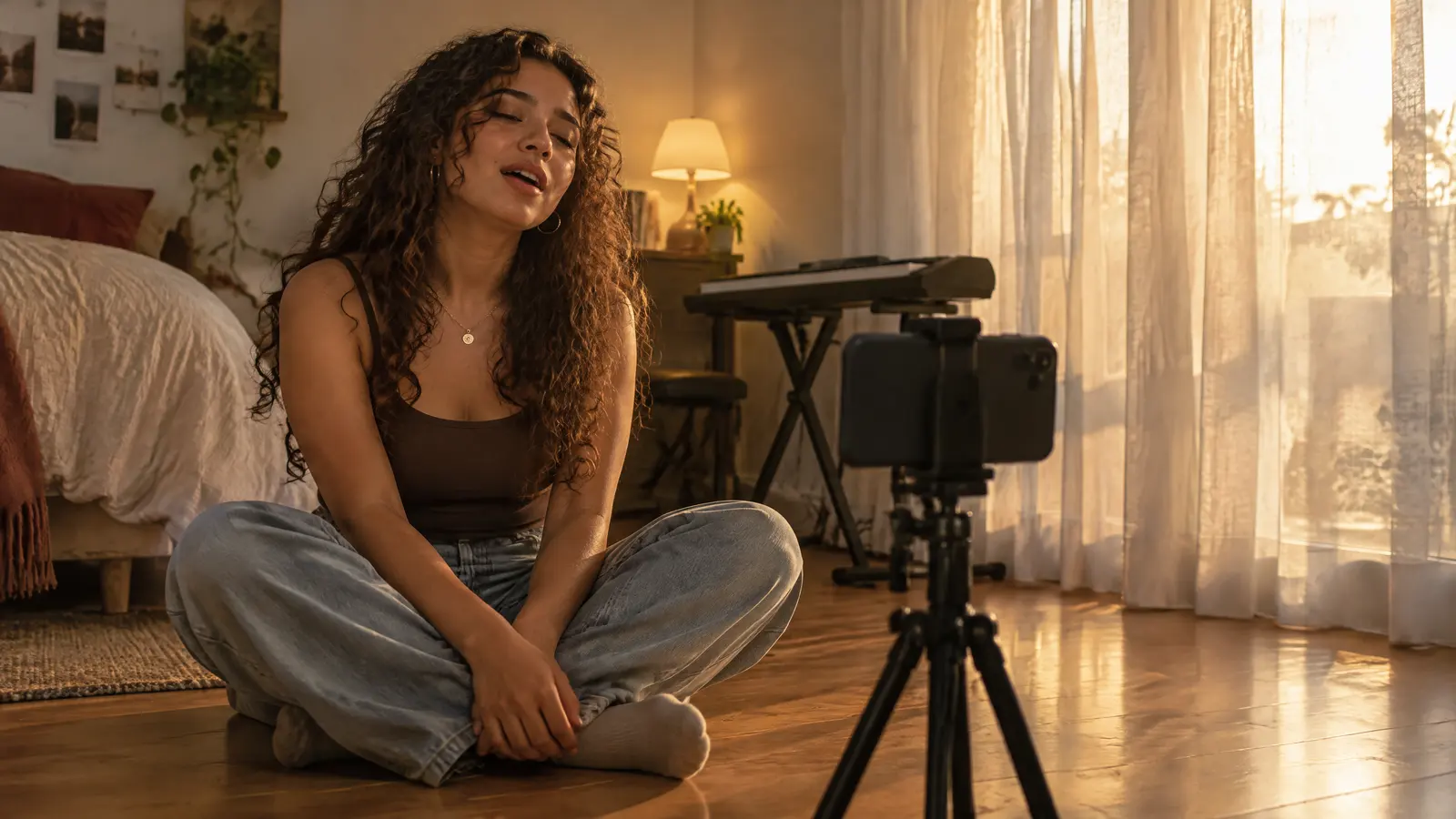
When the job starts, the vocals are transcribed with a time for every word. The lines are placed where they are sung and rendered into the video as subtitles, while the AI director uses the same timings and the song’s verse and chorus map to decide where the scenes change.
Because the words come from the recording, the result is only as clear as the vocal. A clean, upfront voice gives clean lines; a whisper under a wall of guitars can come out wrong.
Words can be missed or misheard, instrumental passages get no lines, and there is no box in the music video panel to type or correct the lyrics.
Formats, sizes and choices
What goes in and what comes out, as the panel works today.
| Song | MP3, WAV and other audio files up to 25MB, at least 15 seconds long; uploaded or picked from your library |
|---|---|
| Length used | Part of the track, with a start point you move on long songs |
| Reference photos | One to three, images up to 10MB each; one is required |
| Optional pictures | Opening frame, ending frame and a face photo for lip-synced singing shots |
| Style | A style direction line, and style templates when they are published (otherwise Freestyle) |
| Frame shape | Widescreen 16:9, vertical 9:16, square 1:1 or cinema 21:9 |
| Lyrics on screen | Transcribed from the vocals with word timings and shown as subtitles |
| Output | One MP4 with the original song as the soundtrack, kept in My videos |
| After the render | Recut: choose the shot per cut or drop a shot, then render again (limited per video) |
| Price | Per second of song used, by quality tier; shown on the button before you start |
Made your song on SongDuet? A 9:16 lyric video from the takes page
A second, simpler path for songs created here.
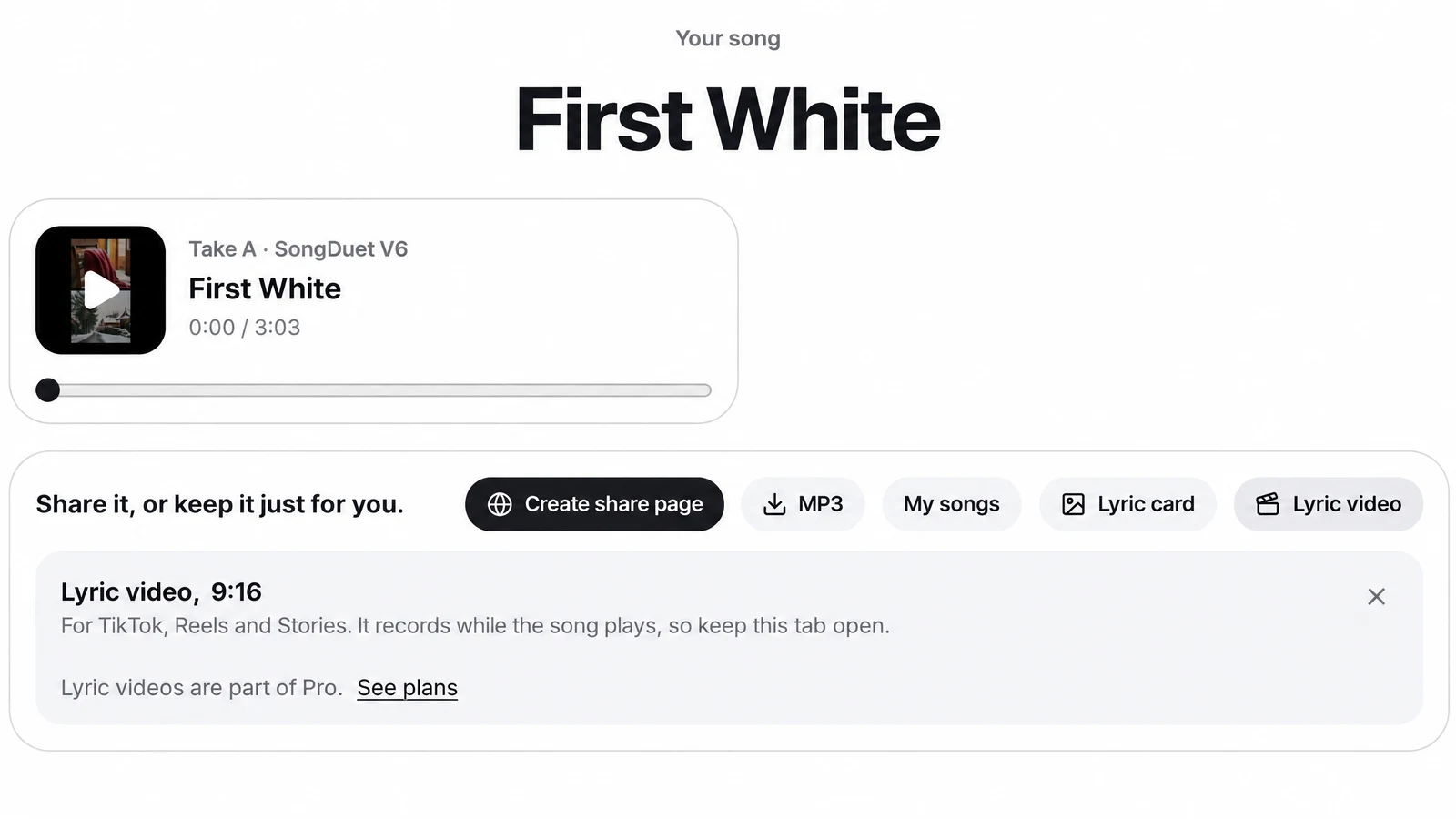
After you keep a take of a song made with the SongDuet AI song generator, its takes page shows a Lyric video button. It draws the song’s own timed lyrics over its blurred cover art in 9:16, for TikTok, Reels and Stories.
Choose a 30 second chorus or the full song. It records in your browser while the song plays, so keep the tab open; Chrome, Edge or Safari on a computer can record it. The panel tells you when it is part of the Pro plan.
What it costs and what it leaves out
Read this before you upload a track.
- Account and credits. Dropping the song needs no sign in; making the video does. The price depends on the seconds used and is charged once at the start. A job that fails is refunded in full.
- No text over your own footage. It makes a new video from the song. It cannot put lyrics on a clip you filmed.
- A song is required. Lyrics or a text prompt alone are not enough, and at least one reference photo is needed.
- No karaoke version. The song plays as it is, vocals included. The video does not remove the voice.
- No subtitle file. The lyrics are part of the picture. There is no LRC or SRT export.
- Not a timeline editor. No fonts, keyframes or manual text placement; editing means choosing shots per cut.
Lyric video maker questions
What does the lyric video maker cost?
The drop box above just carries your track into the Studio. The video is made for a signed in account and paid in credits, counted by the seconds of music you use, and the button tells you the total first.
Do I have to type the lyrics?
No, and in the music video panel you cannot. The vocals are transcribed automatically with word timings, and the lines appear on screen as the words are sung.
What if a word is wrong in the subtitles?
Automatic transcription can miss or mishear words, especially under heavy effects or in fast passages, and parts without vocals get no lines. There is no way to correct the text in the panel today.
Can I make a vertical lyric video for TikTok or Reels?
Yes. Choose 9:16 under Aspect in the music video panel. Songs made on SongDuet also have a 9:16 Lyric video button on their takes page.
Can I add lyrics to a video I already filmed?
No. This tool builds a new video from your song and your photos. For text on existing footage you need a video editor.
Does it work with any song?
Any audio file you have the rights to use, at least 15 seconds long and up to 25MB. Clear vocals give the best subtitles; an instrumental gets a video without lyric lines.