How to Find the BPM of a Song
Three ways to get a song’s tempo, a worked count you can copy, and a quick check that catches the most common wrong answer.
BPM tells you how fast a song moves, counted as the number of beats in one minute.
Beats per minute: the steady pulse you would nod your head or clap to. A song at 120 BPM has two beats every second.
Find the BPM of a song: count 15 seconds, times 4
No tools beyond a stopwatch. This is the method worth knowing even if you never use it again.
1.Find the pulse
Play the chorus and clap or tap your foot until it feels locked in. The kick and snare usually mark it.
2.Start on a beat
Start the stopwatch exactly on a beat and call that beat zero, not one.
3.Count to the end of the window
Keep counting beats until the stopwatch reads 15 seconds.
4.Multiply
Beats times 4 is your BPM. For any other window: beats times 60, divided by the seconds you counted.

Find the pulse before you count
Nod, walk or tap your foot to the chorus before you start the stopwatch. The beat your body settles on is the one to count.
Lose one beat in a 15 second count and you are 4 BPM out. Counting longer shrinks that error, as the table below shows.
| Count for | Multiply by | One beat missed |
|---|---|---|
| 10 seconds | times 6 | off by 6 BPM |
| 15 seconds | times 4 | off by 4 BPM |
| 30 seconds | times 2 | off by 2 BPM |
| 60 seconds | times 1 | off by 1 BPM |
Tap along and let the math do it
A tap tempo button measures the gap between your taps and turns it into BPM: 60 divided by the average gap in seconds. Taps half a second apart give 120 BPM; taps 0.4 seconds apart give 150. Most DAWs have one, and so do many phone metronome apps.
- Tap at least eight times. The first two or three taps are always a little early or late; an average over eight or more evens them out.
- Tap the snare, not the hi hat. Hats often run at twice the beat, and tapping them gives you double time.
- Tap from the middle of the track. Intros and outros are where songs drift, fade or drop the drums.
Can’t hear the snare under the guitars and synths? Split the song into stems and tap along to the drums on their own.
Find the BPM of a song from the audio file
When you have the song as a file, a beat detector does the counting for you. SongDuet’s BPM finder decodes the file, reads the tempo, and puts the half time and double time readings next to it, because that is where detectors go wrong.
1.Drop the file on the finder
Drag an MP3, WAV, M4A, FLAC or OGG file onto the box, or click it to choose one. The BPM finder reads it in your browser and does not upload it.
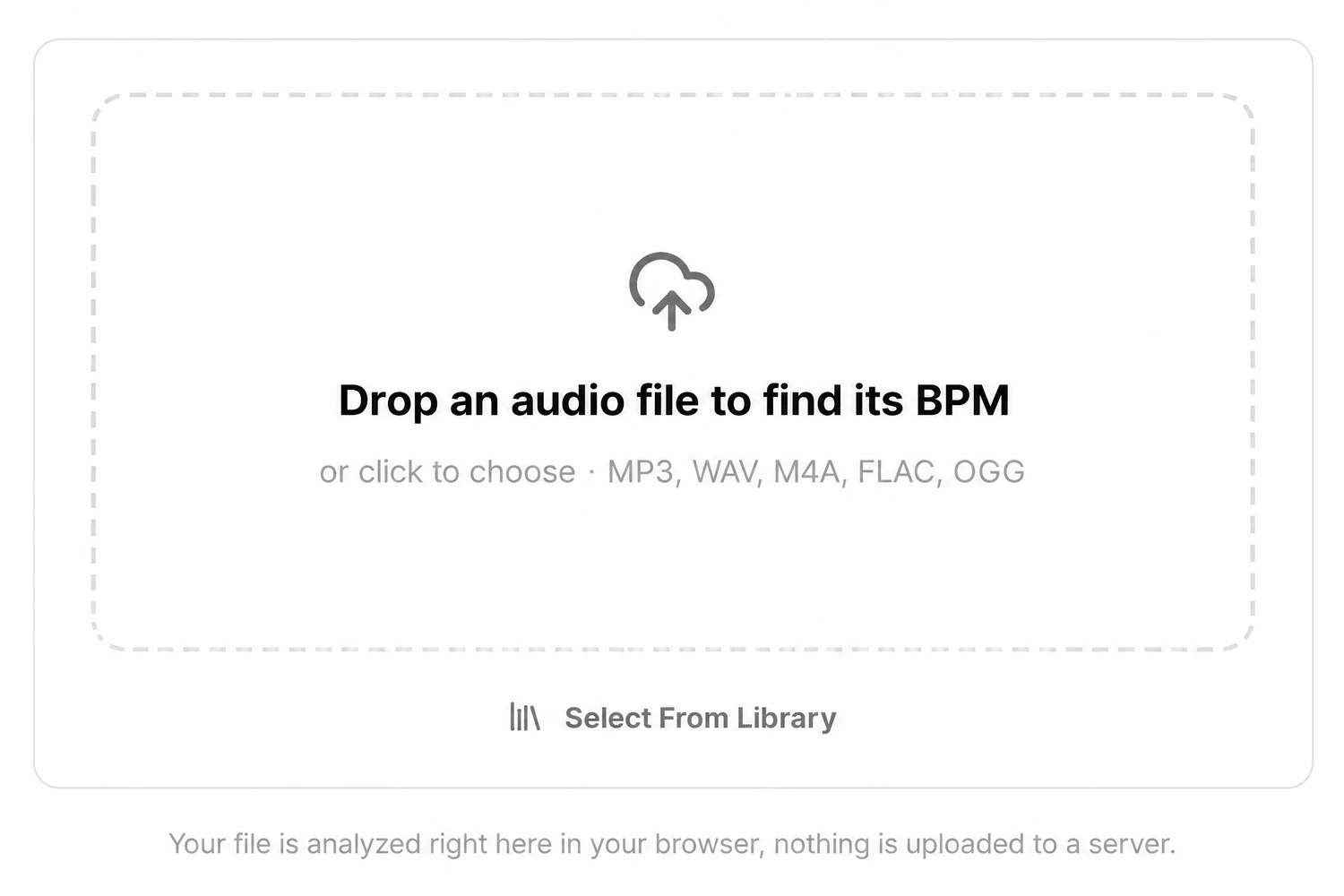
2.Read the number and the two chips beside it
The big number is the tempo rounded to a whole BPM, and Exact gives one decimal. Half-time and Double-time sit under it; tap the one that matches how you count the song.
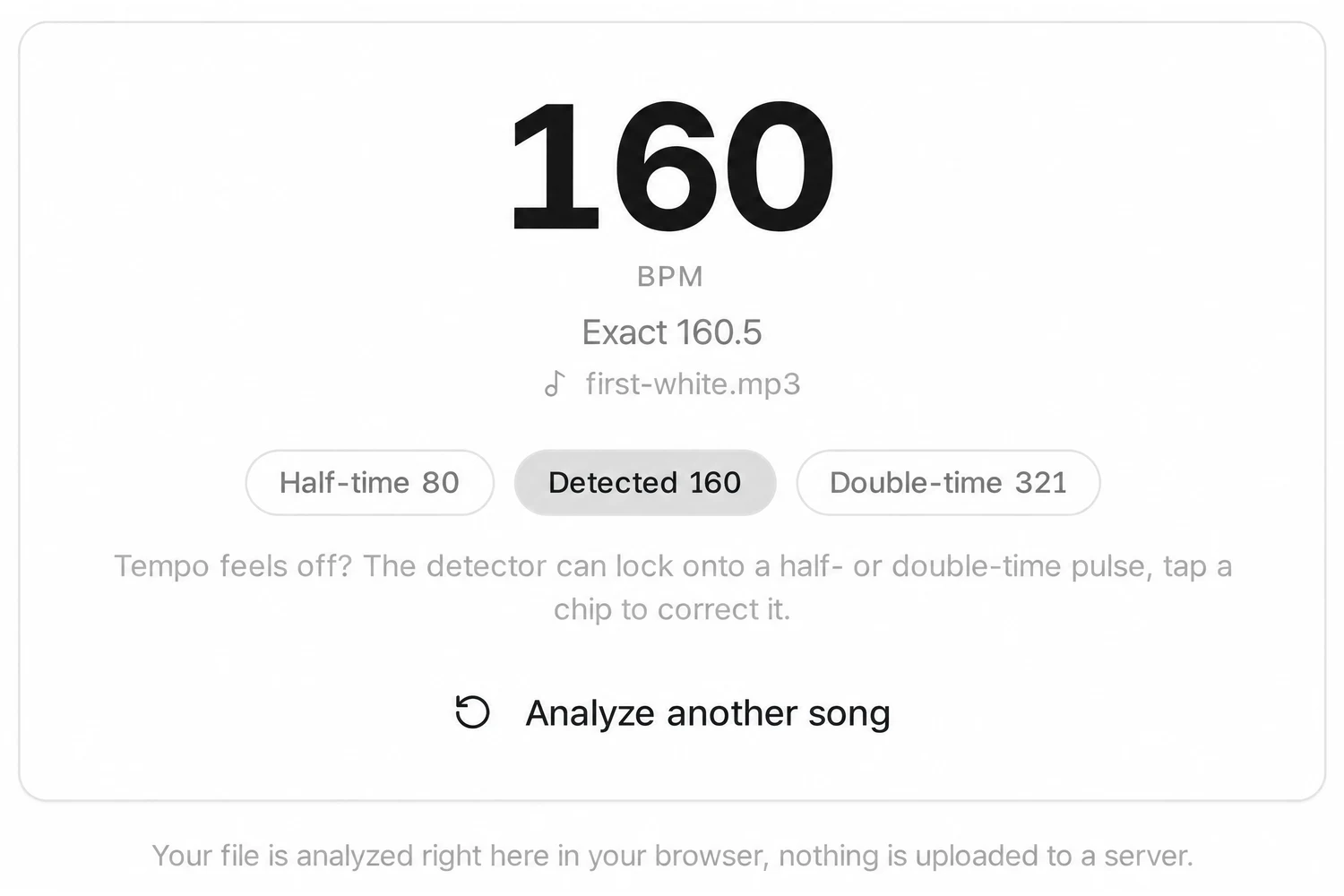
Drop the song file in and compare the Detected, Half-time and Double-time readings with what you hear.
Open the BPM finderA detected tempo is an estimate. Songs with tempo changes, free time passages or no clear drum pulse can read wrong, and the half or double reading may be the right one.
Need the key as well? The song key finder reads the key and the BPM from the same file in one go.
Ways to find a tempo, compared
How to find the BPM of a song depends on what you have in front of you: just your ears, a tap button, or the file itself.
| Method | You need | How close | Best for |
|---|---|---|---|
| Count against a clock | A stopwatch and your ears | Within a few BPM; better the longer you count | Any song you can hear, no file needed |
| Tap tempo | A tap button in a DAW or app | Close after eight or more steady taps | Live music, a song on the radio, a voice memo |
| Detector from the file | The audio file and a BPM finder | Exact on steady, drum-led songs; may report half or double | Songs you have as a file, many tracks in a row |
| Your DAW | Import the file and line it up to the grid | Exact once the grid matches the downbeats | Remixing, DJ edits, sampling |
Is the real tempo half or double your reading?
The most common wrong answer is not a few BPM off; it is exactly half or exactly double. A trap beat with hi hats racing at 140 can feel like 70 when you follow the heavy snare. A ballad at 70 can read as 140 if you count every eighth note.
Rule of thumb: a reading under 70 or over 180 is worth doubling or halving and checking against the snare.
Then prove it by ear. Set a metronome to your number and play it against the song. If the clicks drift ahead of the beat, your number is too high; if they fall behind, it is too low; if they land on every other beat, you are at half time.
Set the metronome to your number (it runs from 40 to 240 BPM) and play it against the song.
Open the metronomeTypical tempos by style
| Style | Usual BPM |
|---|---|
| Ballad | 60 to 80 |
| Lo-fi hip hop | 70 to 90 |
| Boom bap hip hop | 85 to 100 |
| Reggaeton | 88 to 100 |
| Pop | 100 to 130 |
| Rock | 110 to 140 |
| House | 118 to 130 |
| Techno | 125 to 145 |
| Trap | 130 to 160, often felt at half |
| Dubstep | around 140, felt at 70 |
| Drum and bass | 160 to 180 |
If your number lands far outside the range for the style, the first thing to suspect is half or double time, not the song.
Questions about finding a song’s BPM
Can I look up a song’s BPM by typing its name?
Not on SongDuet. The BPM finder reads an audio file you drop in. Sites that list tempos by title rely on databases, and those numbers can be missing or wrong for remasters and live versions.
Spotify does not show tempo. Where do I get it?
The Spotify app does not show tempo on the track page. Count or tap along while it plays, or use a copy of the song you own as a file with a detector.
Why do two tools give me different numbers?
Usually one of them locked onto half or double the pulse, or one rounds and the other does not. If the numbers are 2 to 1 apart, both are reading the same beat.
What if the tempo changes during the song?
Count each section on its own. A detector gives one number for the whole file, so for a song that speeds up or slows down, treat that number as an average.
Is BPM the same as the time signature?
No. BPM is how fast the beats go; the time signature is how they are grouped, for example four to a bar or three to a bar. A waltz and a rock song can share a BPM.
Does a decimal BPM matter?
For practice, no. For looping a sample or lining up two tracks in a DAW, a song at 92.5 drifts against a grid at 92 within a few bars, so use the exact value when you have it.