Online Tuner
Press Start tuning, play one note, and read its name, its frequency and how many cents sharp or flat it is. This online tuner is chromatic, so it works for strings, winds, brass and voice. Free, no sign up, nothing recorded.
Use the online tuner in four steps
The same order as the tuner above. A quiet room helps more than anything else.
1.Press Start tuning
Your browser asks for the microphone the first time. Allow it. Until then the tuner only says Allow microphone access, then play a single note.
2.Play one note and let it ring
Pluck one string, or hold one note on a wind instrument or with your voice. While it is quiet the tuner shows Play a note. Hold the instrument close to the microphone.
3.Read the note and the needle
The big letter is the nearest note with its octave, for example A4. Under it is the frequency in Hz. The marker on the bar shows how many cents you are off, with Flat on the left and Sharp on the right.
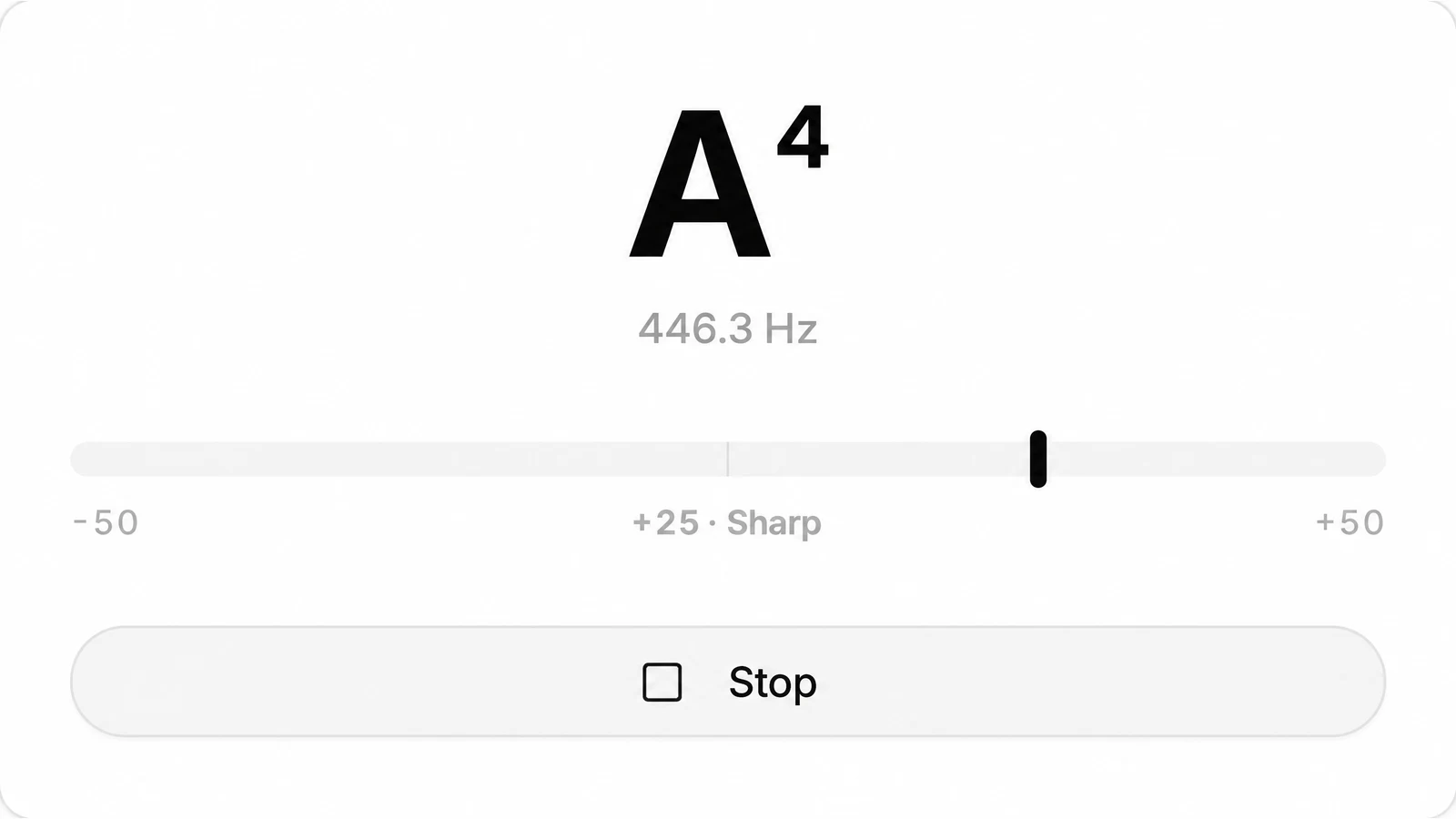
4.Turn until it says In tune
Tighten to go up, loosen to go down (or adjust your mouthpiece or slide), and stop when the marker sits in the middle and the label reads In tune. Then press Stop.
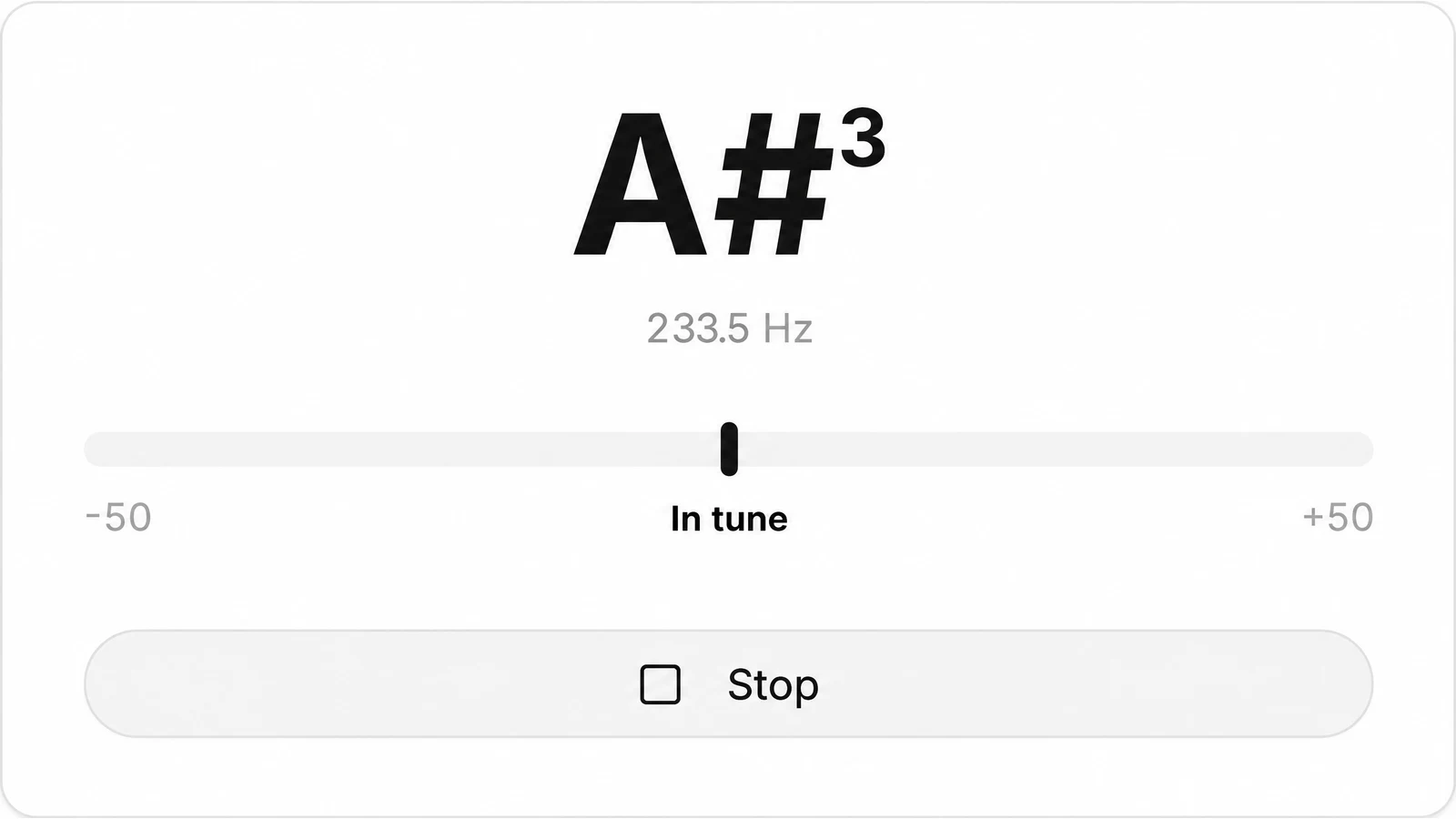
Reading the chromatic tuner: note, hertz and cents
What each part of the readout means, as built into the tuner.
| Note | The nearest of all 12 notes with its octave, sharps spelled C#, D#, F#, G#, A# |
|---|---|
| Hz | The frequency it hears, to one decimal place |
| Cents | A bar from -50 to +50; 100 cents make one semitone |
| In tune | Within 5 cents of the note |
| Reference | A4 = 440 Hz, equal temperament |
| Listens to | One note at a time, from any instrument or voice that holds a pitch |
Target notes for string instruments
The online tuner has no instrument menu: it names whatever note it hears. Tune each string until it shows the note below.
| Instrument | Notes | Tip |
|---|---|---|
| Guitar | E2 A2 D3 G3 B3 E4 | Low string first |
| Bass guitar | E1 A1 D2 G2 | Four string standard |
| Ukulele | G4 C4 E4 A4 | The G is above the C |
| Violin | G3 D4 A4 E5 | Start with A4 |
| Viola | C3 G3 D4 A4 | Start with A4 |
| Cello | C2 G2 D3 A3 | Start with A3 |
| Mandolin | G3 D4 A4 E5 | Both strings of a pair to the same note |
| Banjo, open G | G4 D3 G3 B3 D4 | The short fifth string is the G4 |
Tuning a guitar? The guitar tuner page goes through the six strings one by one, with the target notes for drop D and half step down as well.
Bowed strings: tune the A first
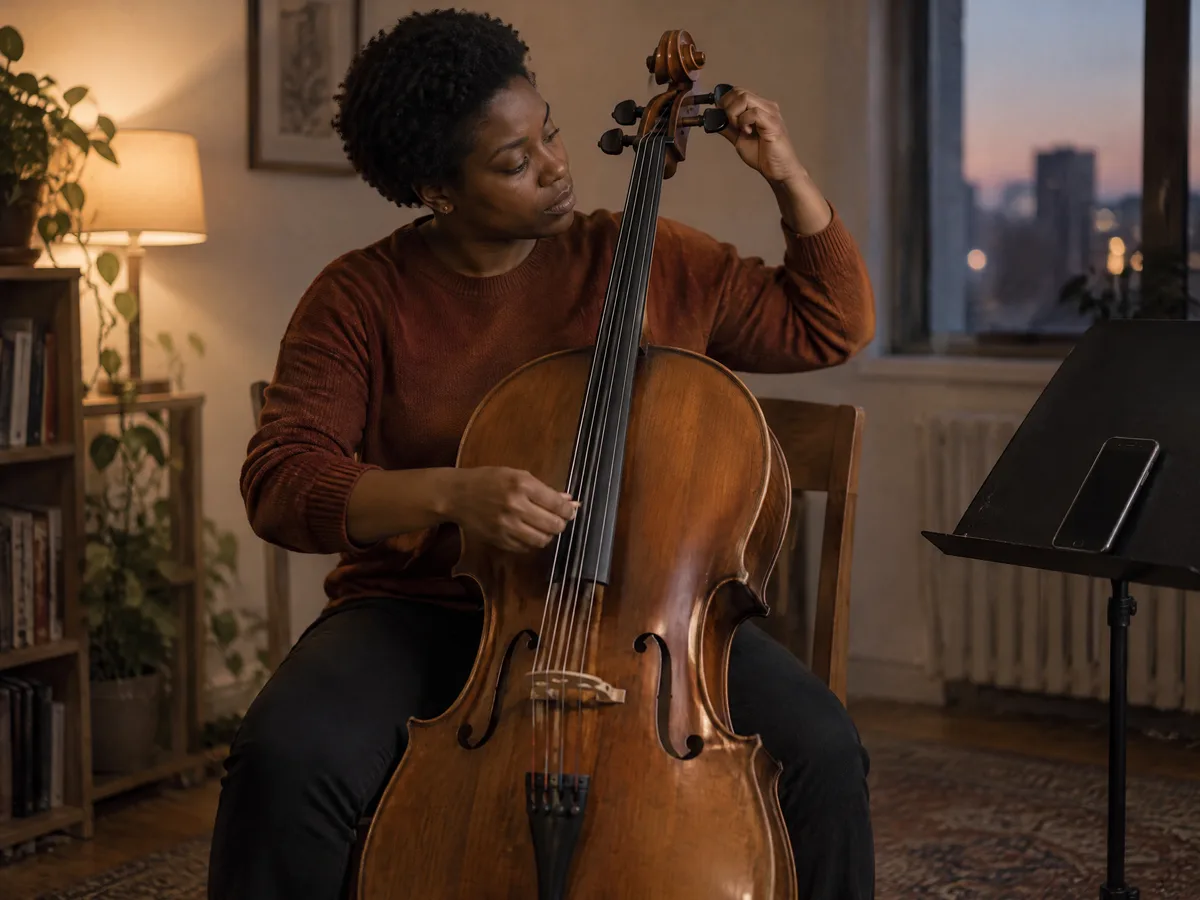
On a violin, viola or cello, get the A string right first, then tune the others from it, one at a time. Pluck the string close to the microphone and let it ring, or draw a long, even bow: a steady note gives the steadiest reading.
Turn the peg in small moves and check again after each one. Once the string is close, finish with the fine tuner at the tailpiece if your instrument has one.
Winds and brass: the tuner reads concert pitch
A tuner hears the note that actually sounds. On a transposing instrument that is not the note on your page.
Band tuning notes are usually given in concert pitch. When the leader asks for a concert B♭, a trumpet or clarinet plays its written C, and an alto sax plays its written G. In both cases the tuner should read A#, the same pitch as B♭.
There is no transposition setting, so keep this table at hand. Warm up for a minute first: a cold wind instrument usually plays flat.
Singers can hold a note against the tuner too. To find your lowest and highest note, try the vocal range test, which listens through the same microphone.
| Instrument | You play | Tuner shows |
|---|---|---|
| Flute, oboe, trombone | Concert pitch | The same note you read |
| Trumpet in B♭ | Written C4 | A#3 (B♭3) |
| Clarinet in B♭ | Written C4 | A#3 (B♭3) |
| Alto sax in E♭ | Written C5 | D#4 (E♭4) |
| Tenor sax in B♭ | Written C5 | A#3 (B♭3) |
| French horn in F | Written C5 | F4 |

Where an online tuner stops
Good to know before a rehearsal.
- A4 is always 440 Hz. There is no setting for 432 Hz, 442 Hz or other references.
- It listens, it does not play. There is no reference tone to tune to by ear.
- Single notes only. Strum all six strings and the reading jumps around; pluck them one by one.
- Not a piano tuning. It can show one piano note, but a whole piano needs a technician who sets each string and the stretch between octaves.
- A quiet room reads best. A second instrument, voices or a humming fan can tug the needle, and very faint notes are skipped.
- No written pitch mode. Winds and brass read concert pitch; use the table above to translate.
Online tuner questions
Is this online tuner free?
Yes. You pay nothing, skip the account, and install nothing; any recent browser on a laptop or a phone will do.
Does it record me?
No. The microphone is only switched on after you press Start tuning, the pitch is worked out in your browser, and nothing is saved or uploaded. Stop switches the microphone off.
The browser blocked the microphone. What now?
Allow microphone access for this site in your browser’s settings (usually the icon next to the address), reload the page and press Start tuning again.
Will it check a sung note?
Yes. Sing one steady vowel and the tuner shows the note and how far you are from it. To find the lowest and highest notes you can sing, use the vocal range test.
Why does it show A# when my music says B flat?
They are the same pitch. The tuner spells every black key with a sharp: C#, D#, F#, G# and A#.
How close is close enough?
The tuner says In tune within 5 cents of the note, which is a twentieth of a semitone. Most ears cannot hear a difference that small on a single note.
Is there a guitar tuner with the six strings laid out?
This page is the chromatic tuner for any instrument. For guitar, the table above gives the six target notes; SongDuet also has a separate guitar tuner page.