MP3 Cutter
Drop an MP3 or another audio file, drag across the waveform to choose the part you want, play it, and save it as MP3 or WAV. Free, no sign up, and the file never leaves your device.
Everything runs right in your browser. Your audio never leaves your device - nothing is uploaded.
Use the MP3 cutter in four moves
The same order as the tool above. There is nothing to wait for between steps.
1.Drop your file
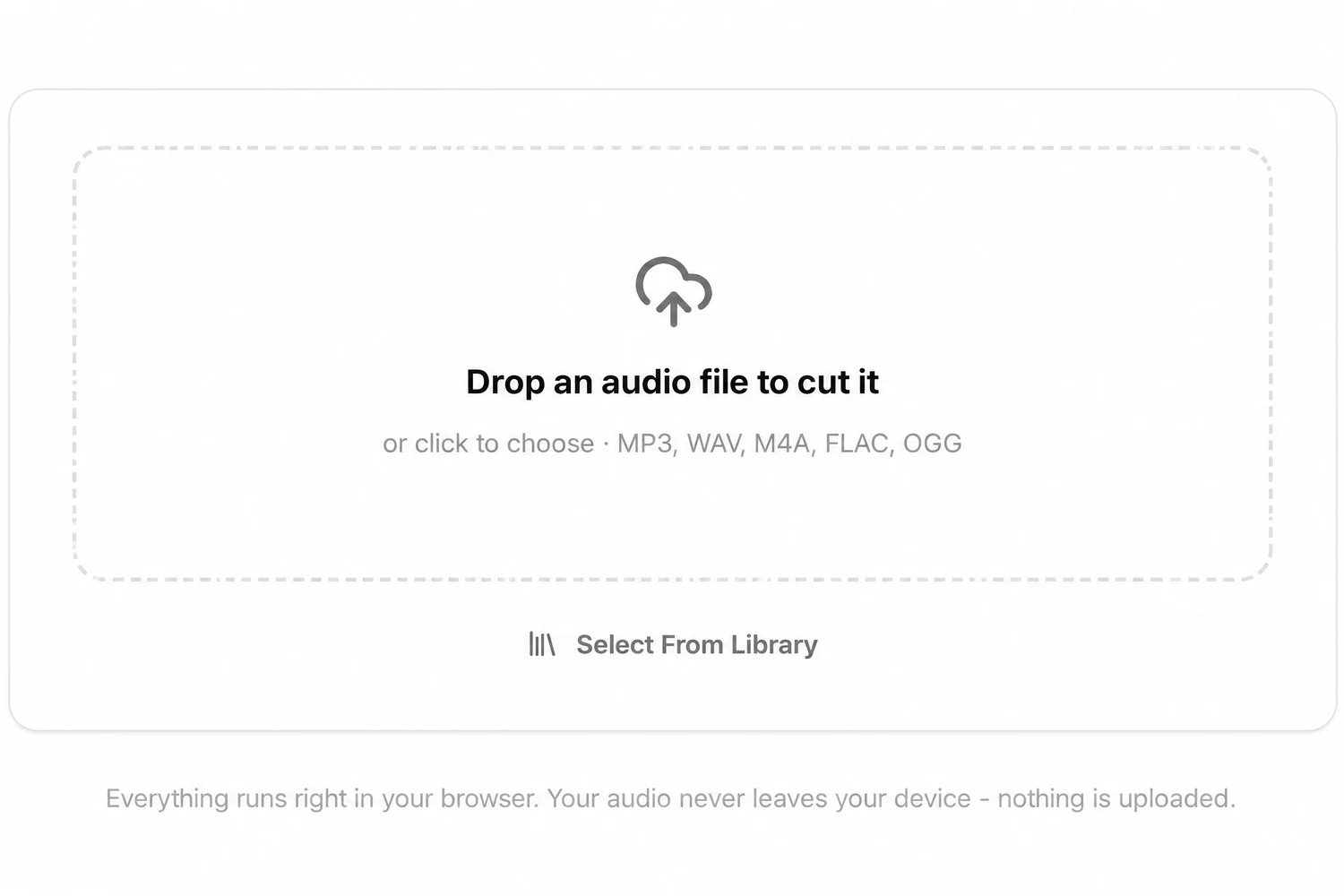
Drag an audio file onto the box that says Drop an audio file to cut it, or click it to choose one. The waveform of the whole song appears, with all of it selected.
2.Drag across the part you want
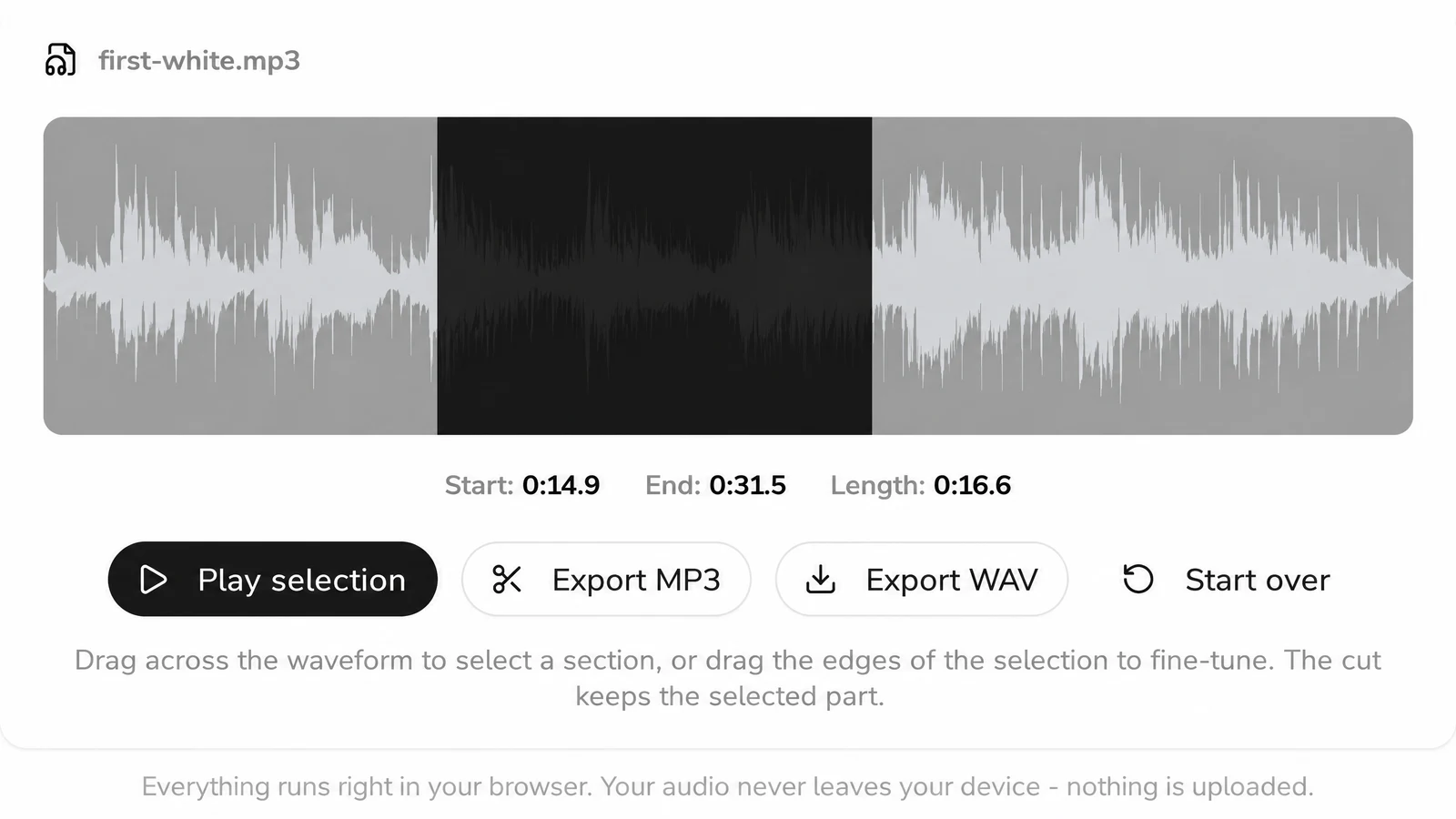
Press on the waveform where the cut should begin and drag to where it should end. The part outside your selection dims. Grab either edge afterwards to move it a little.
3.Play the selection
Play selection plays only what you kept, with a line moving across it. Check how it starts and ends, then adjust the edges and play again. Start, End and Length show the exact times.
4.Export MP3 or WAV
Export MP3 saves a 192 kbps MP3; Export WAV saves a 16 bit WAV. The download lands in your usual downloads folder. Start over clears the cutter for the next file.
Short clips people cut from a song

Where the cut should start and stop
- The intro for a class or a routine. Start on the first beat you want and end before the vocal comes in, so the music does not stop halfway through a word.
- A clip for a video or a slideshow. Play the selection a few times; drag the end edge until the clip stops on a note, not in the middle of one.
- One section to practise. Keep only the solo or the bridge you are learning and loop it in any player.
- A sample for a beat. Take a bar or two and export WAV, which keeps the cut from going through MP3 a second time.
Cutting music for a class or a workout? Drop the same file into the song BPM finder first to know its tempo, or into the song key finder if you plan to sing over the clip.

Audio trimmer formats: files in, files out
Fixed in the cutter’s code, so you know what you get before you drop anything.
| Opens | MP3, WAV, M4A, FLAC, OGG; one file at a time |
|---|---|
| Selection | One continuous part, set by dragging; times shown to a tenth of a second |
| Export MP3 | 192 kbps, encoded in your browser |
| Export WAV | 16 bit PCM, same sample rate and channels as the decoded audio |
| File name | Original name plus -cut |
| Where it runs | In your browser with Web Audio; nothing is uploaded |
Cut locally, with no copy sent anywhere
A web cutter can either send your file to a server and cut it there, or do the work on your computer. This MP3 cutter does all of it in the browser tab: decoding, the waveform, playback and the export. That is why there is no upload bar and no queue, and why a voice memo or an unreleased demo can be cut without anyone else receiving a copy.
You pay nothing and make no account. Close the tab and the cutter forgets the file.
What this MP3 cutter leaves to other tools
It does one job: keep one part of one file.
- No joining. It cannot stick two files or two parts together. Export each part and join them in an audio editor.
- No fades. The cut starts and stops exactly where the edges are. Ending on a quiet moment helps it sound natural.
- A single stretch per export. Want the opening and the ending without the middle? Save each one as its own file.
- MP3 and WAV only. There is no M4R, AAC or OGG export.
- Audio files only. Video files and YouTube or streaming links do not open.
- Nothing else changes. Volume, speed and pitch stay as they are in the original.
Want the voice out of the song rather than a shorter song? A vocal remover gives you the acapella and the instrumental, and to get drums, bass and the rest on tracks of their own, split the song into stems.
MP3 cutter questions
Do I pay anything to trim a song here?
No. The MP3 cutter is free: cutting, playing and both exports need no account. Only Select From Library, which loads a song from your SongDuet library, asks you to sign in.
Is my song uploaded anywhere?
No. Your browser decodes the file, draws the waveform and writes the export on your own device. The file does not leave it.
Will cutting lower the quality?
Export MP3 encodes the part you kept again at 192 kbps, so an MP3 goes through compression a second time. Export WAV writes uncompressed 16 bit audio, which avoids that second step but makes a bigger file.
Can I trim audio from my phone?
Open this page in the phone’s browser and use a fingertip: sweep over the waveform to mark the part, then pull an edge to refine it.
Can I set an exact start time?
Not by typing. You drag the edges, and the Start, End and Length readout shows each one to a tenth of a second, so you can stop when it reads the time you want.
What kinds of audio will it read?
MP3, WAV, M4A, FLAC and OGG are the ones the drop box names. Your browser does the decoding, so a few other audio types may open too, depending on the browser.
What is the downloaded file called?
The original name with -cut added, for example interview-cut.mp3, so the cut never overwrites your original.